
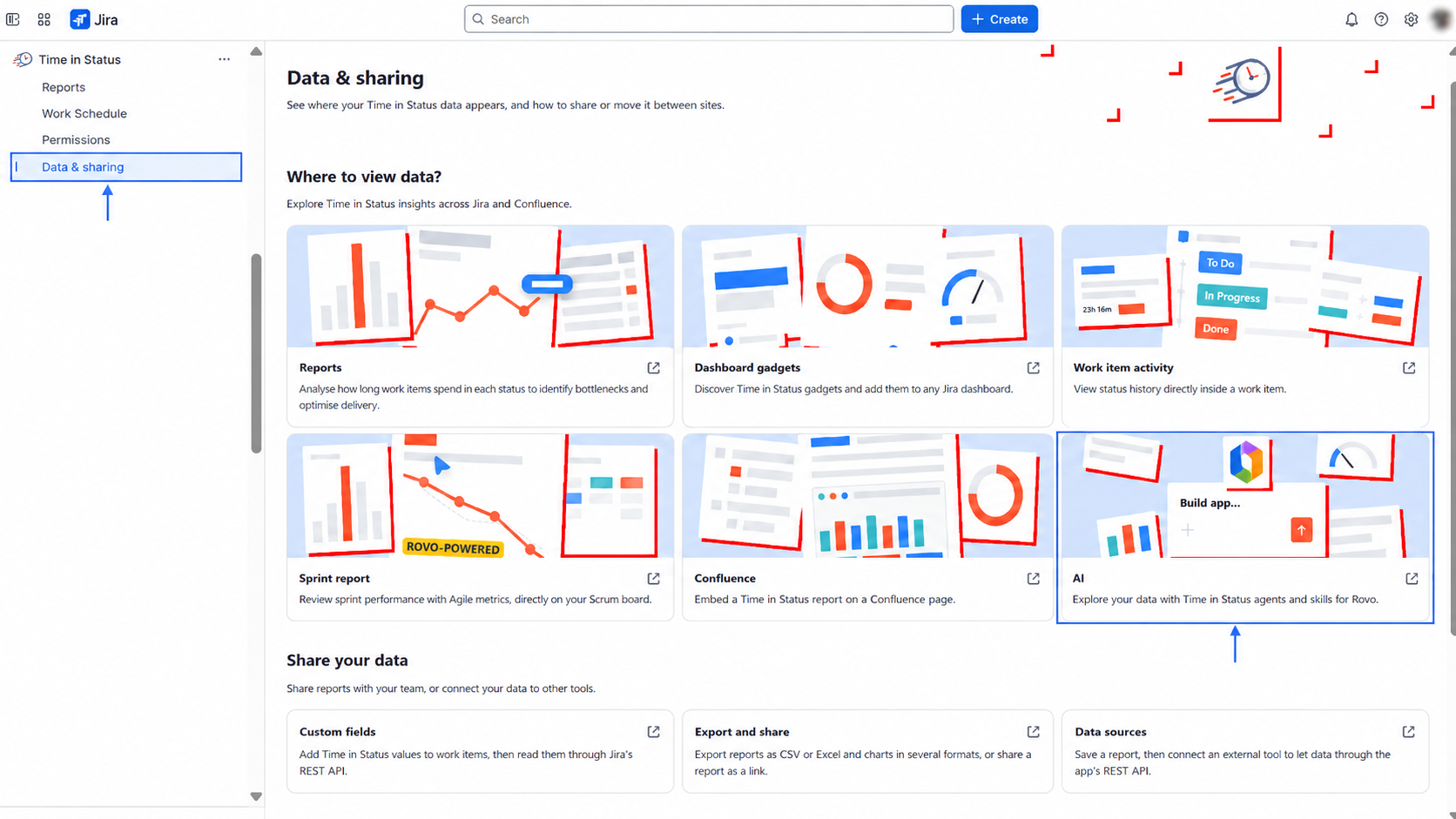
Explore the Rovo agents and skills that read your Time in Status data and answer questions in natural language.
Overview
Time in Status includes Rovo agents and Rovo skills that analyze your data and answer questions in plain language. Use them to see how long issues stay flagged, spot where time accumulates, and turn a sprint into a written retrospective — without building a report by hand.
Each agent has its own step-by-step guide, linked below.
-
Available on: Jira Cloud only.
-
Requires: Rovo enabled as a feature in your Jira instance. No additional Jira permissions are needed.
-
Setup: No configuration. The Sprint report insights agent needs context from the Time in Status Sprint Performance Report to run.
Rovo agents
Two agents are available today. Both appear in the agent list in Chats, and each returns results in the Rovo chat panel. Open the linked guide for full steps.
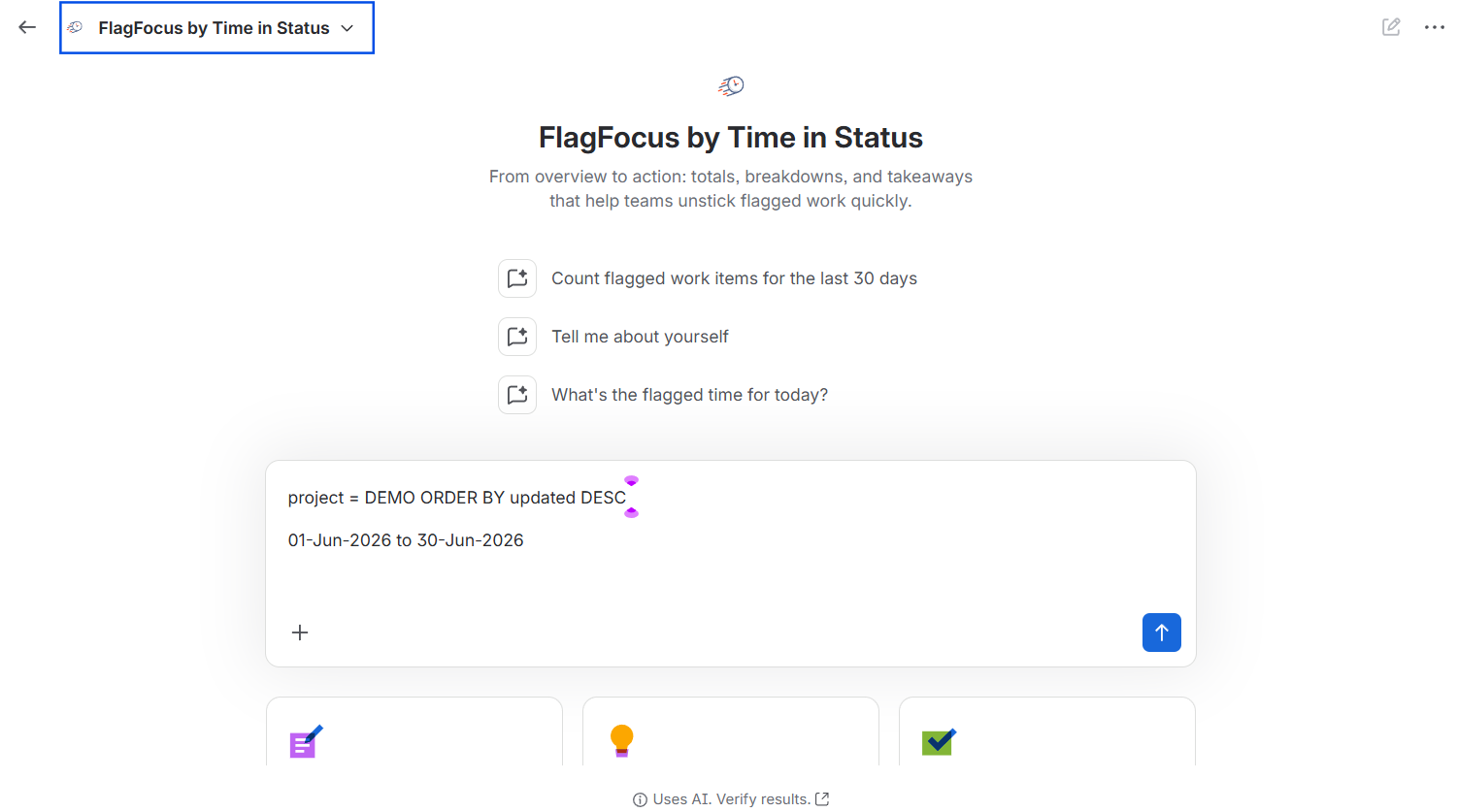
FlagFocus by Time in Status (Jira)
Measures how long issues stay Flagged and where that time builds up, then returns a total, a per-status breakdown, and short takeaways.
Open it: Go to Chats, find FlagFocus by Time in Status (Jira) in the agent list, and run a starter prompt or your own. To generate the tables, give it a JQL filter and a time period.
Sprint report insights
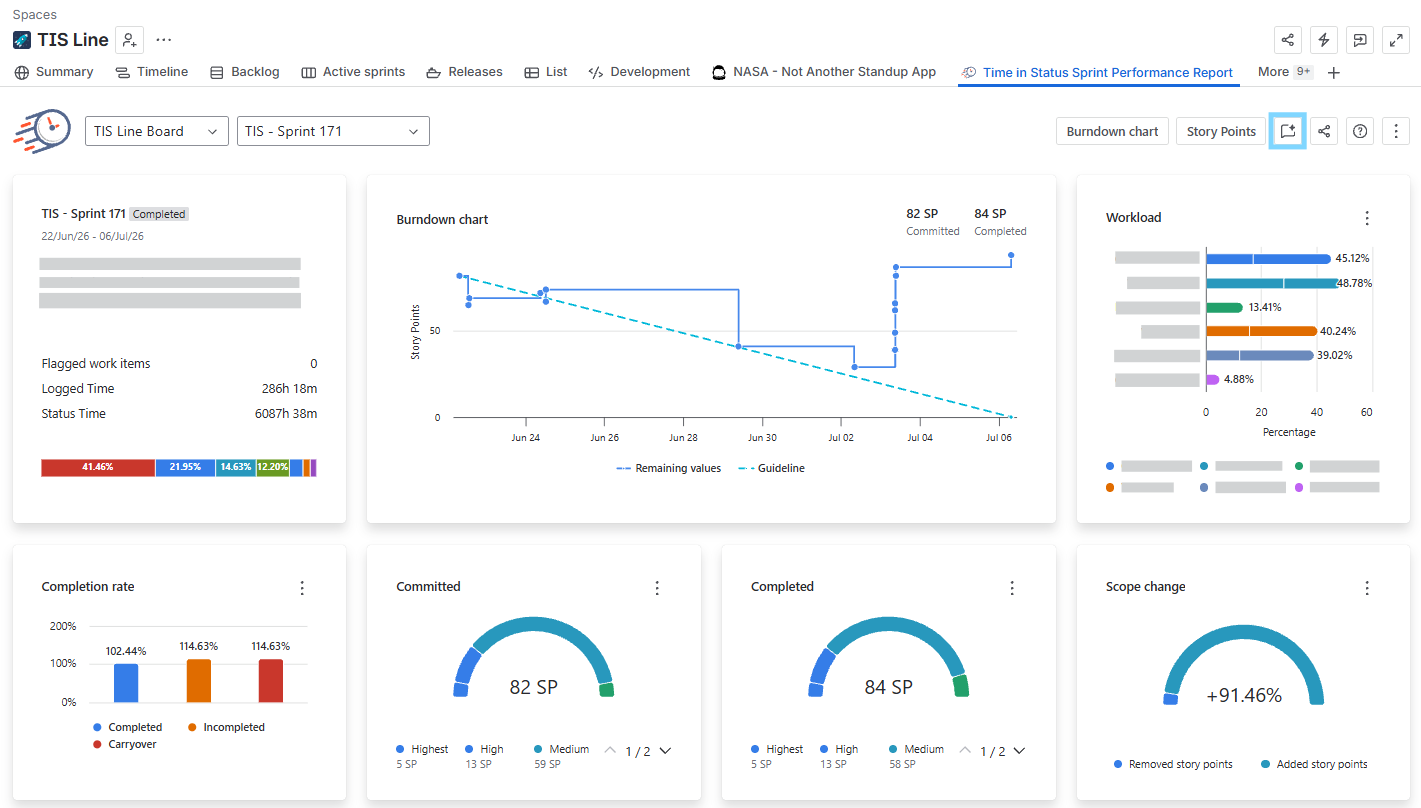
Reads the selected sprint's metrics, compares them against recent sprints, and writes a structured retrospective brief with recommendations for the next sprint.
Open it: Find Sprint report insights in the agent list, or open it from the Time in Status Sprint Performance Report — select a sprint, then select Sprint report insights in the top-right corner.
Rovo skills
Rovo skills are the functions the agents call to retrieve or calculate the data they need. A skill runs a function and returns a result; the agent then analyzes what it receives. The current skills are:
-
Get Sprint Report Metrics
-
Get Time in Status by Issue
-
Get Time in Status by Issue Key (batch)
-
Calculate flagged Status Time
Good to know
-
Results appear in the Rovo chat panel as tables and written summaries.
-
Skills do not connect to your reports. Each skill calls a function, and the agent works from the result it returns.
-
AI-generated. Agents and skills use AI. Review outputs before you act on them — the product shows a "Uses AI. Verify results." note.
-
Not a full retro. Sprint report insights provide data-backed talking points; it does not replace a team-led retrospective discussion.