
You no longer need to enter the settings of the most popular reports several times – use the Save and Load view function. This can be done in the Grid-Table report.
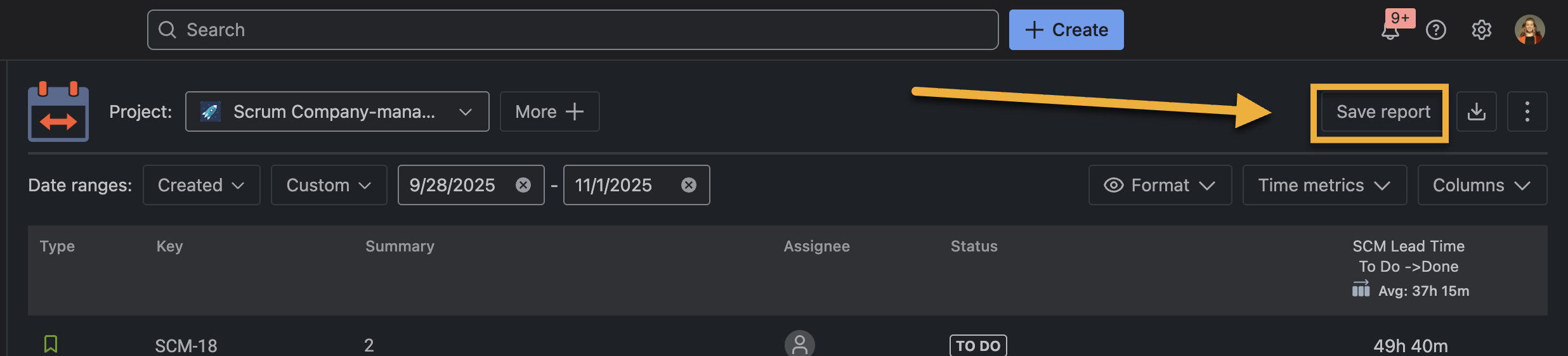
To save the report, you must first configure all the filters and click the Save view button.
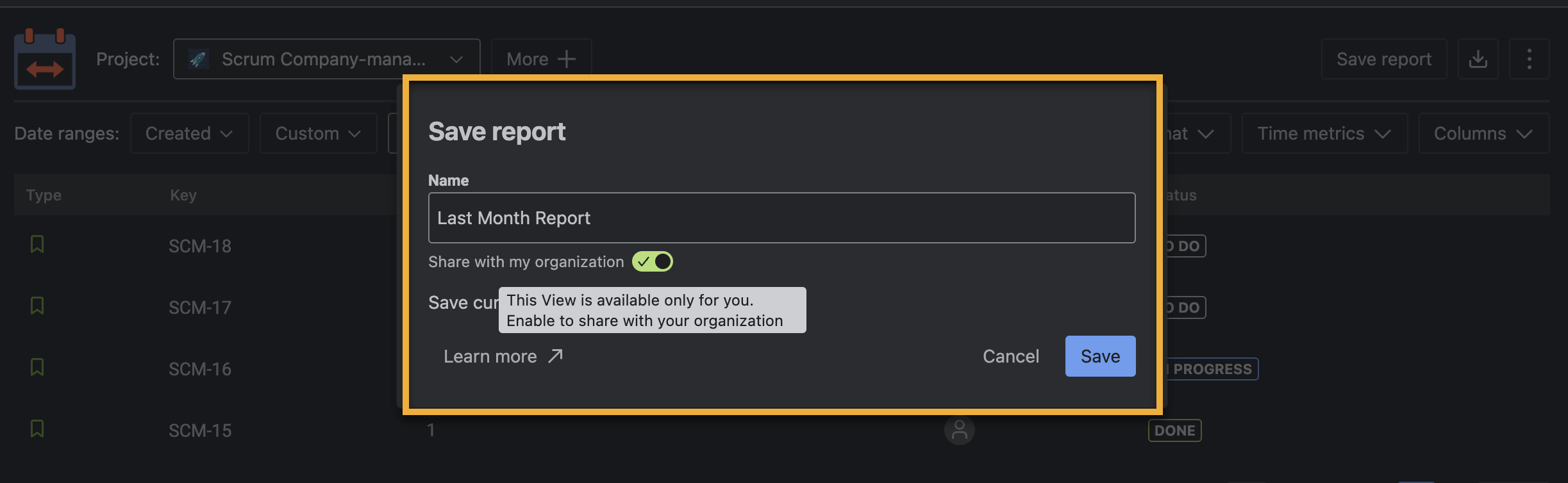
In the modal window, enter the name of this report and choose the access level – here, you can “share” this view with the whole organization or keep it only for yourself.
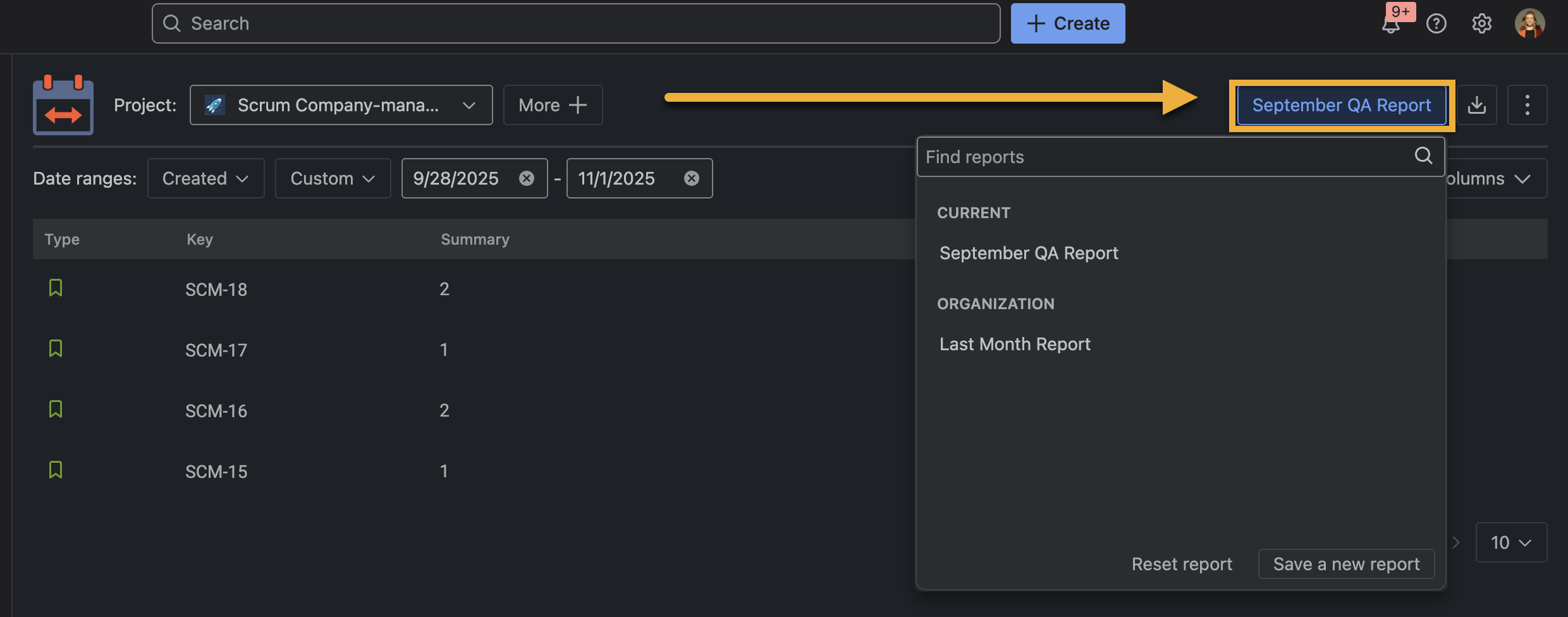
That's it. You have saved the View of your report and can select it from the list of saved report views. If you already have many of them, use Search to save time.
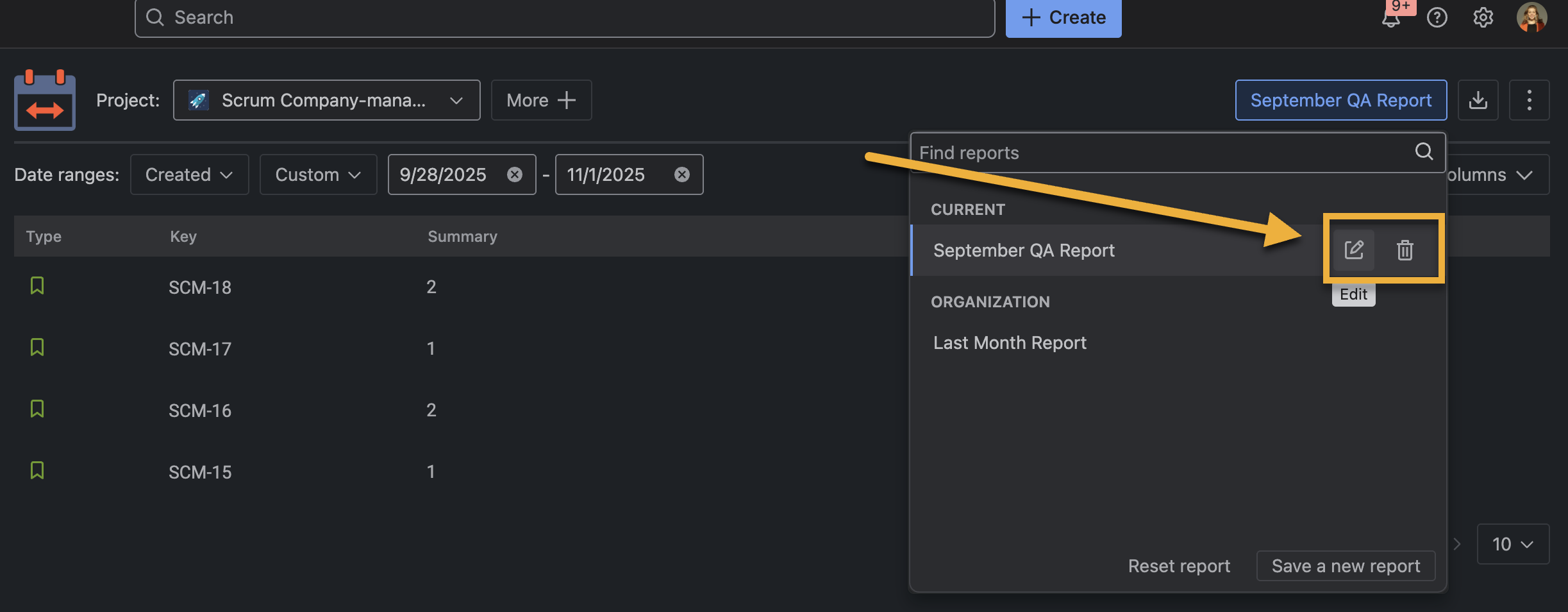
You can change the setting by clicking the Edit or Delete button if you no longer need it.
After you click on any reports, the previously saved view will open in the corresponding window. You can change the filters of the open report and save these changes by clicking the Update button or save it as a new report view by clicking the Save changes button.
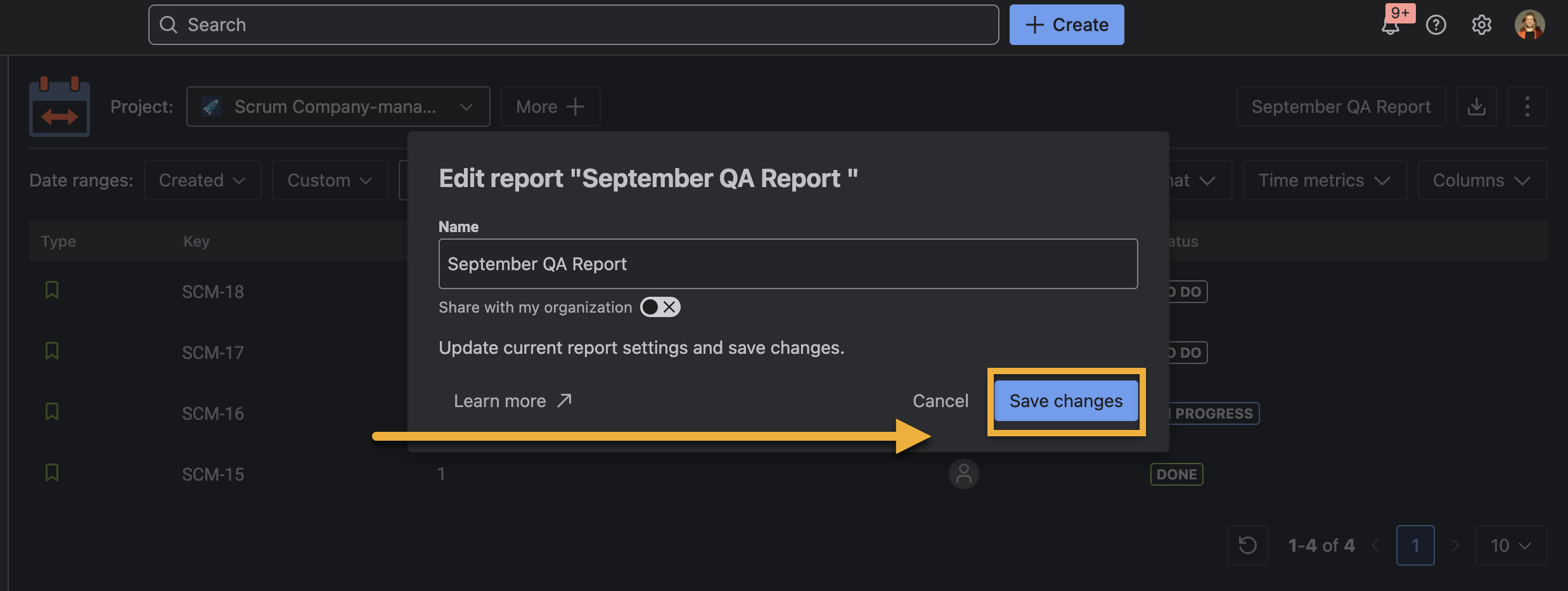
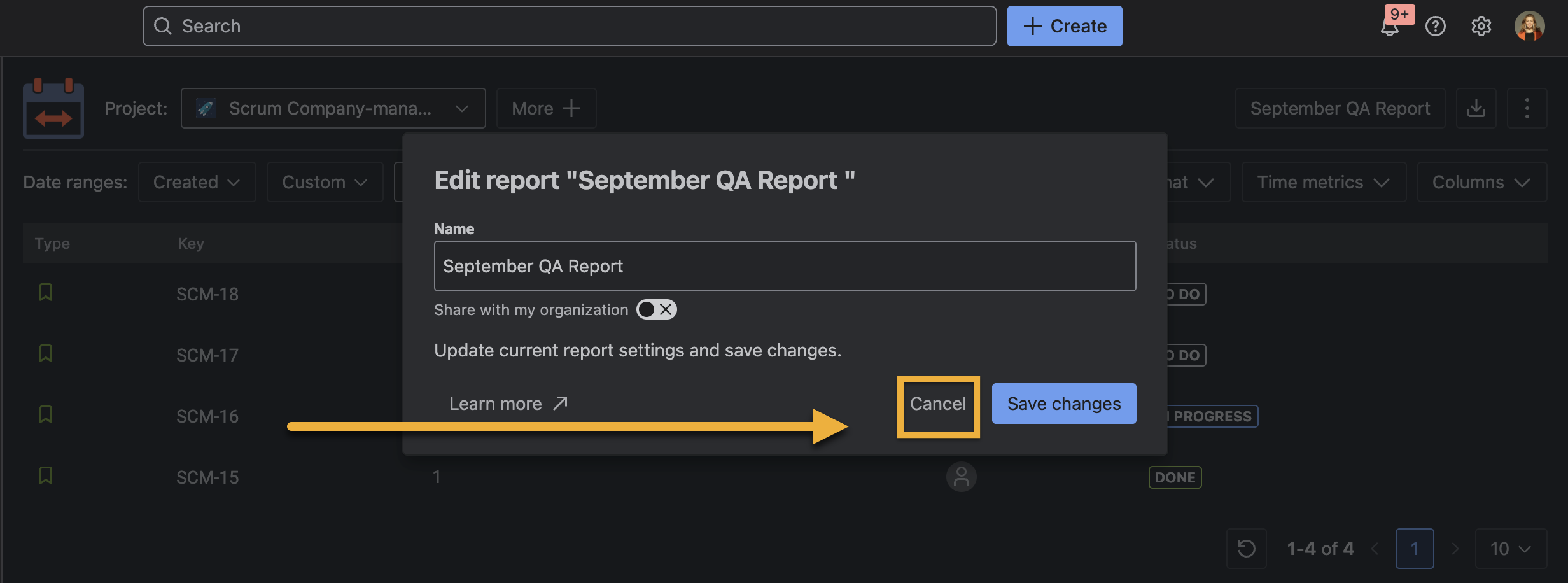
If you make a mistake and want to restore the previous settings, click on Cancel.
If you need help or want to ask questions, please contact us through SaaSJet Support or via email support@saasjet.atlassian.net
Haven't used this add-on yet, then try it now! >>>