
In SLA Time and Report, you can enable or disable an SLA configuration without deleting it.

-
SLA starts tracking time based on defined conditions
-
goals and timers are calculated
-
data is updated in issues

-
SLA stops tracking time
-
no new SLA calculations are performed
-
existing configuration remains unchanged
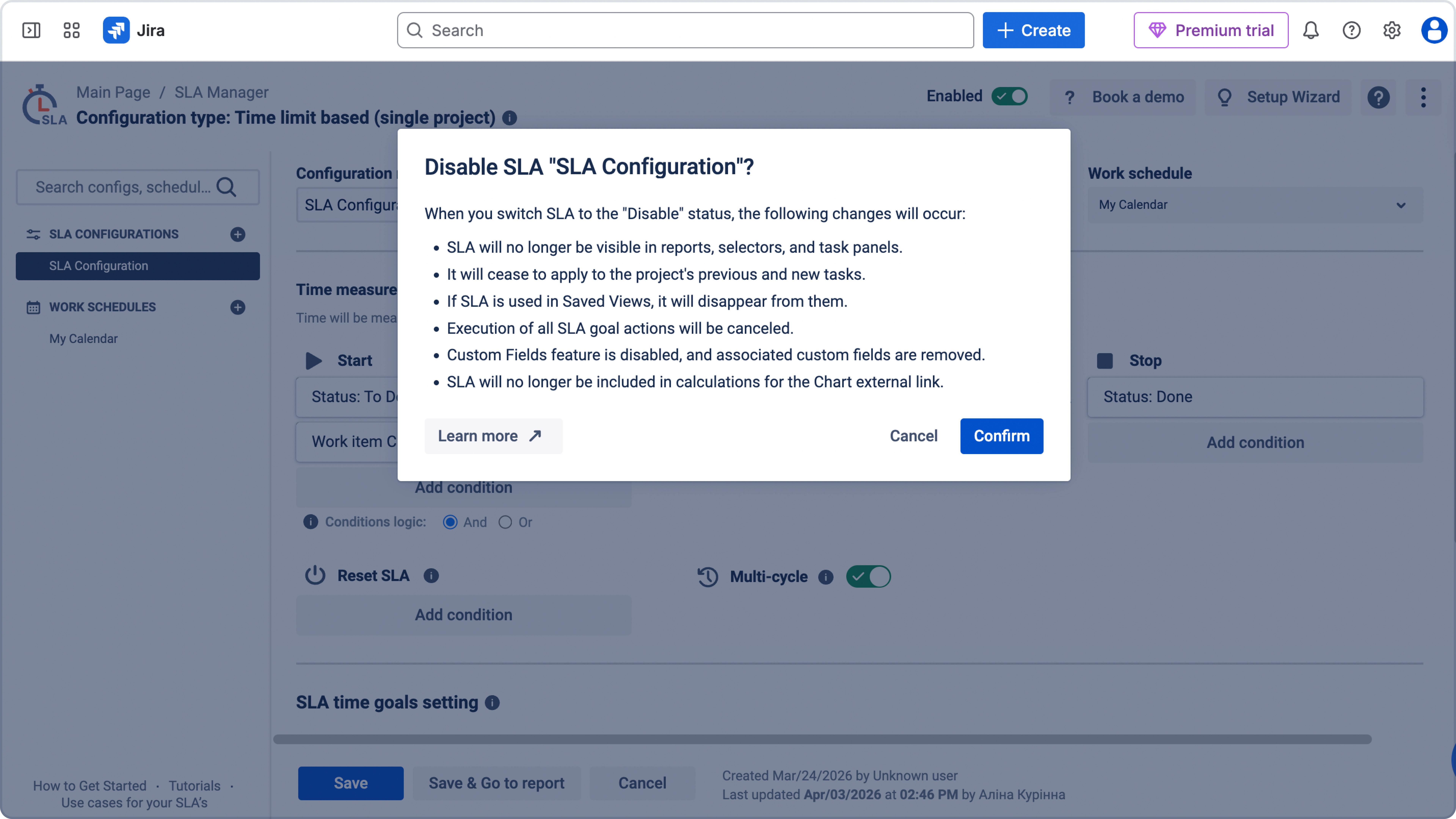
How to disable SLA
To disable an SLA:
-
Open SLA configuration page
-
Select the SLA you want to manage
-
Find the Enabled toggle (top right of the configuration)
.jpg?cb=21686231e9b20de3a3ba2a9d8716c9ce)
-
Switch it off
-
Save changes
How to enable SLA
To enable an SLA again:
-
Open SLA configuration page
-
Select the SLA
-
Turn the Enabled toggle on
-
Save changes
Once enabled, the SLA will start tracking time again based on its conditions.
When returning SLA to Enable status:
-
SLA will reappear in reports, selectors, and task panels.
-
SLA will return to Saved Views and can be displayed.
-
Custom fields configured in SLA settings will be reinstated.
-
Execution of all SLA goal actions will be re-enabled.
-
SLA will now be considered in calculations for the Chart's external link.
-
Retrospective recalculation is applied to up to 1,000 of the most recently created work items within the SLA scope, ordered by Created date from newest to oldest. If the SLA scope contains more than 1,000 work items, older work items are not included in this recalculation. If you need to recalculate a larger number of work items, contact SaaSJet Support.
Read about other possibilities of SLA settings in Configure SLAs
Need help?
Have questions or need help with SLA Time and Report? Contact our support team.
Want to see SLA Time and Report in action?
Book a demo with our team to explore your use case, or start a free trial to try the app in your Jira environment.