

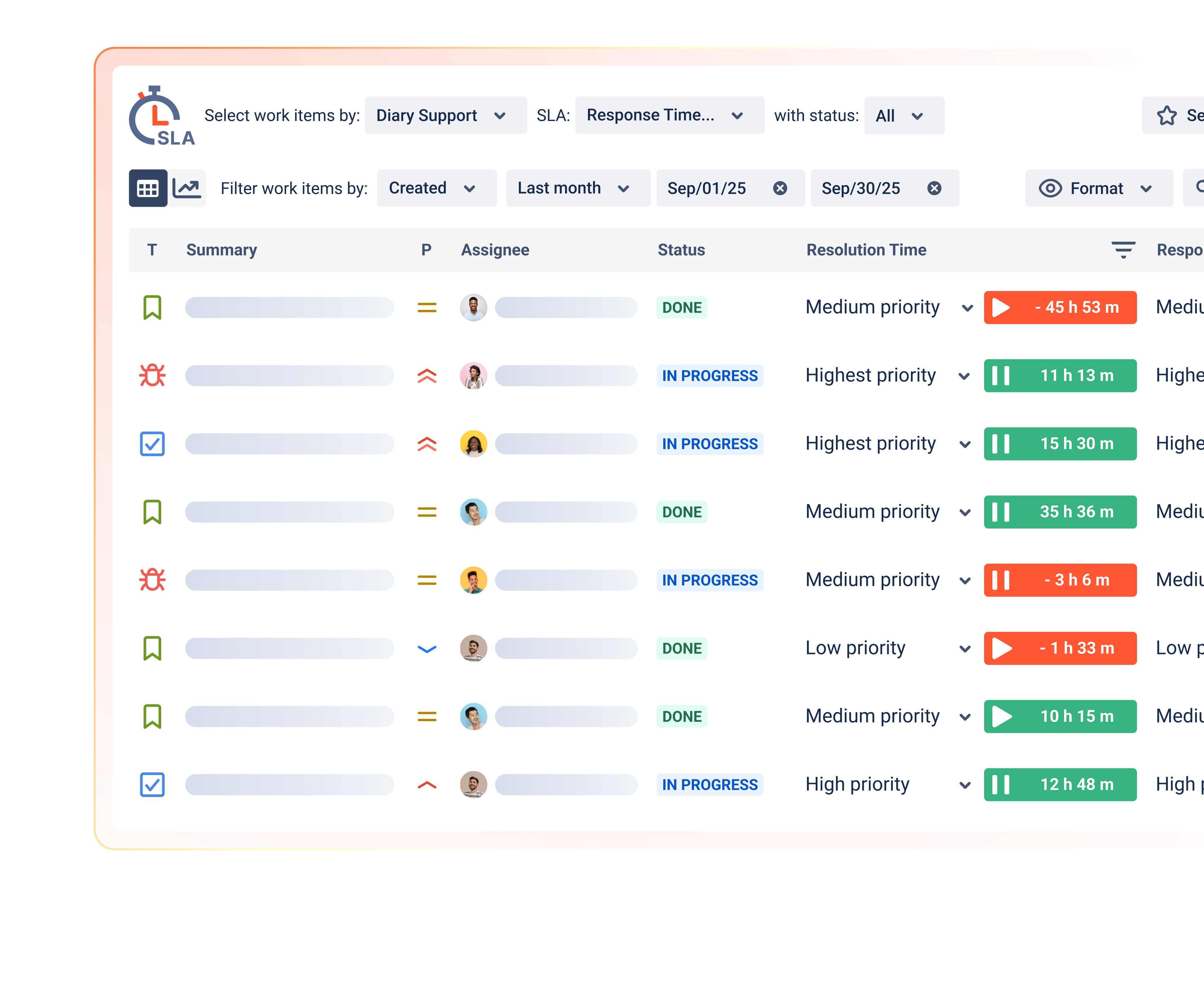


SLA Time and Report helps teams bring more visibility, structure, and accountability to SLA management in Jira. Use these resources to learn how to configure the app, explore reporting options, review security details, and understand how SLA Time and Report supports enterprise teams.
Resources section
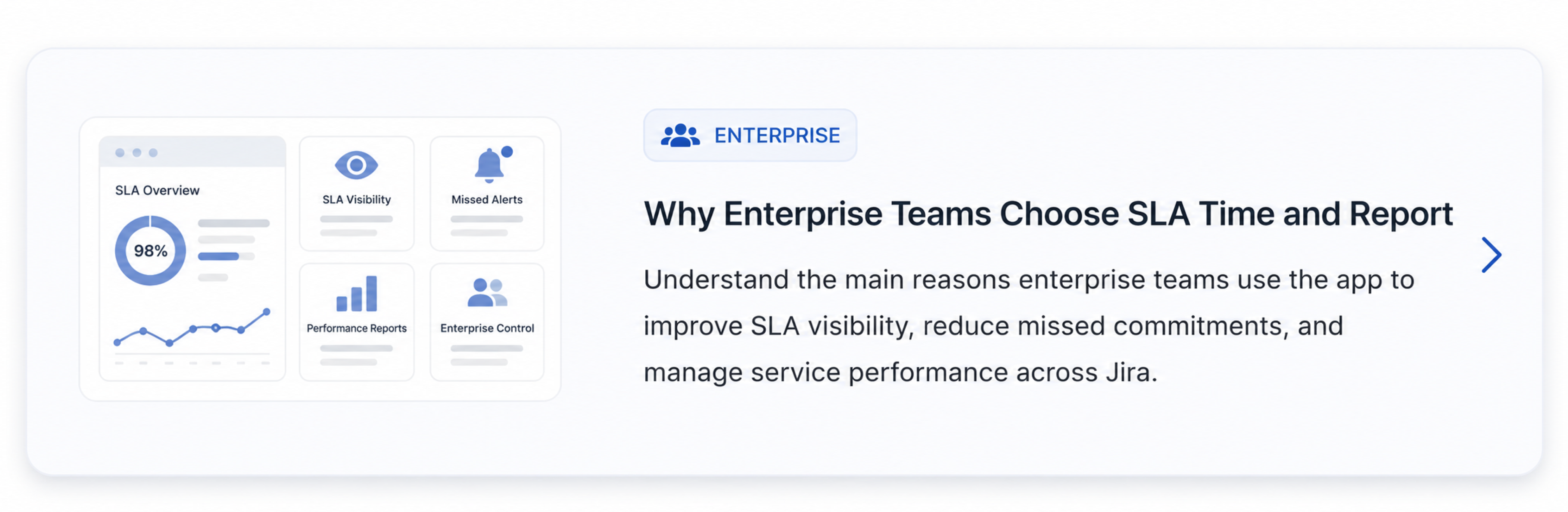
Enterprise resources:
Explore buyer-focused materials, workflow examples, proof points, and enterprise value messages for SLA Time and Report.
.png?cb=d270993834e22ea6ffda6a9b9e1567e6)
Product documentation:
.png?cb=6c5f67b305c13a6238adde3b6a8bf665)
See how to configure SLA rules, goals, calendars, conditions, and other key settings.
Review available plans and understand which features are included in each option.
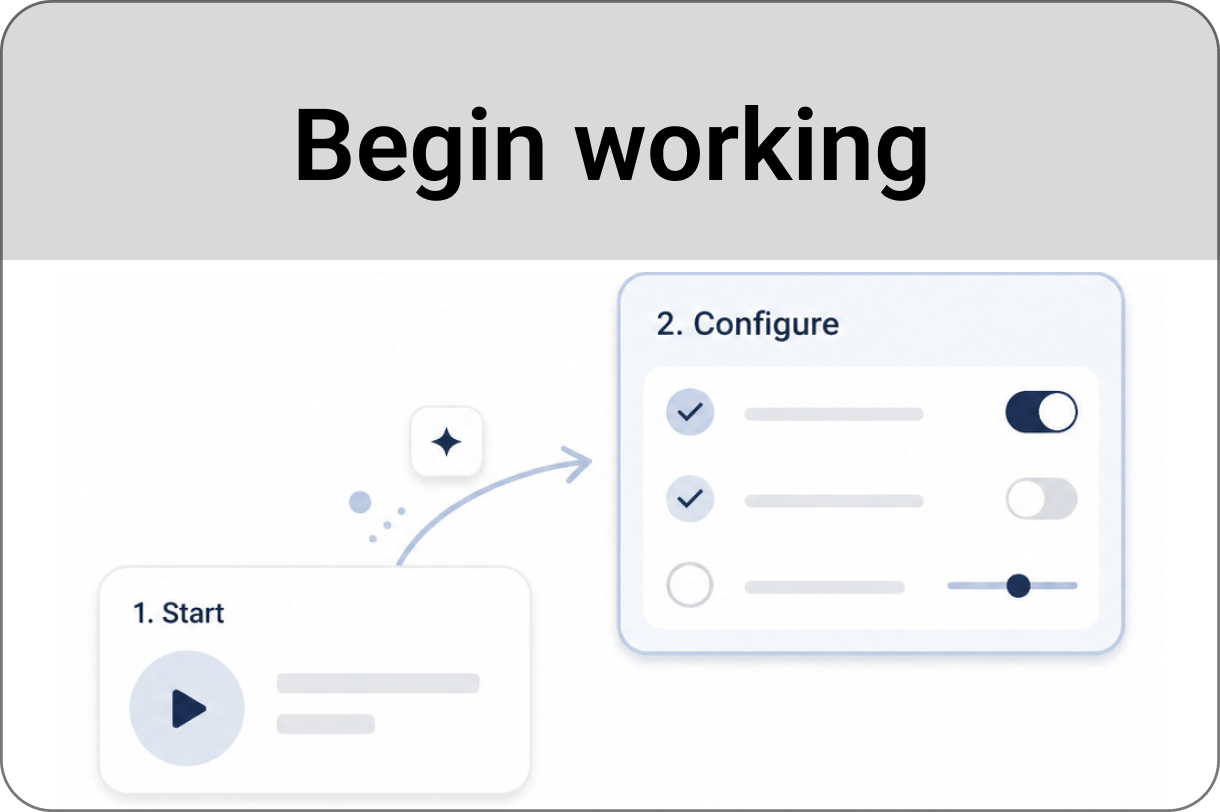
Start with the basic steps for installing, opening, and using SLA Time and Report in Jira.
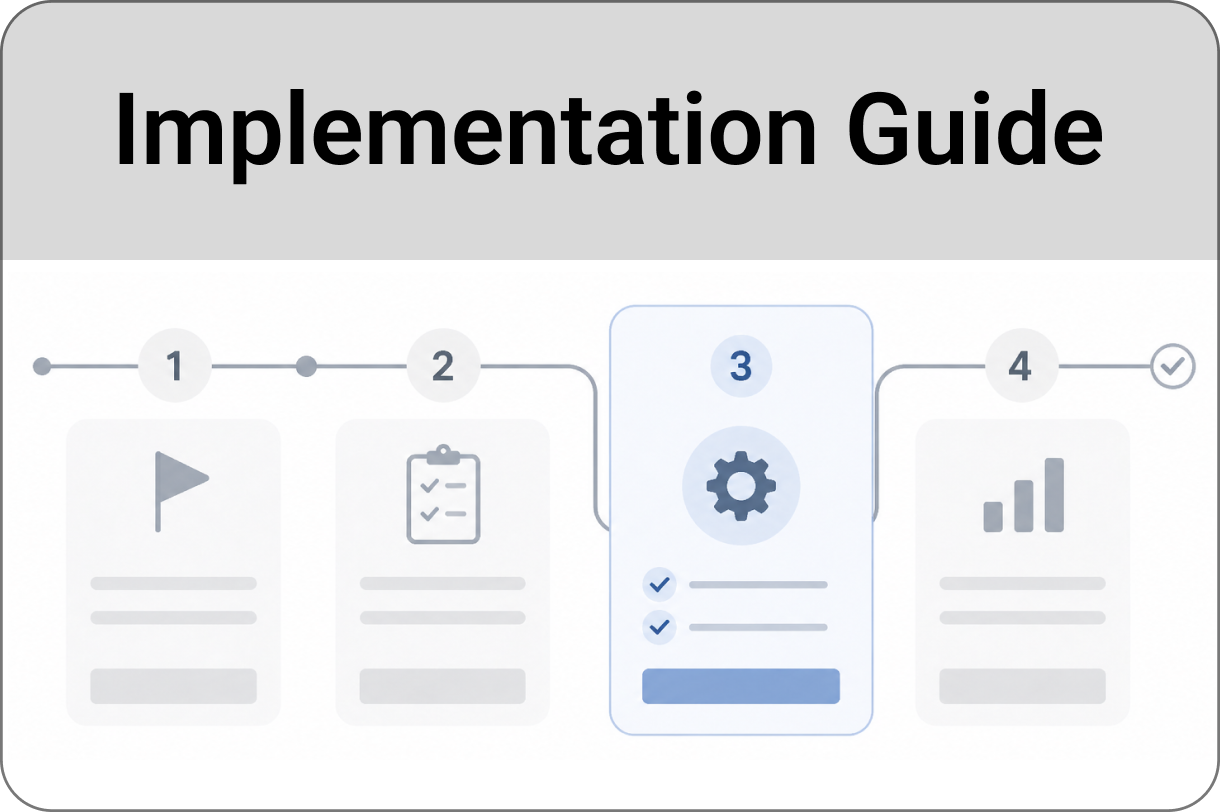
Follow practical guidance for setting up SLA tracking based on your team’s workflow and service commitments.
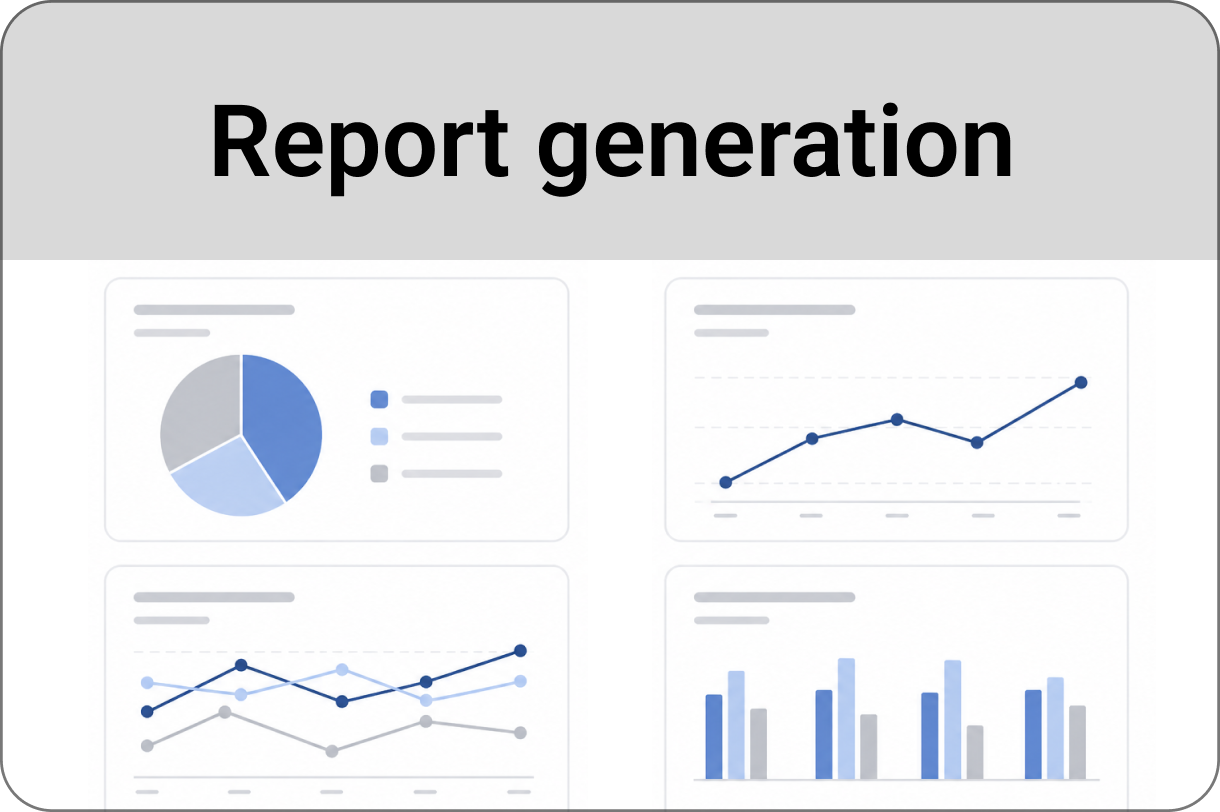
Learn how to build SLA reports, review performance, export results, and use reports for team or leadership reviews.
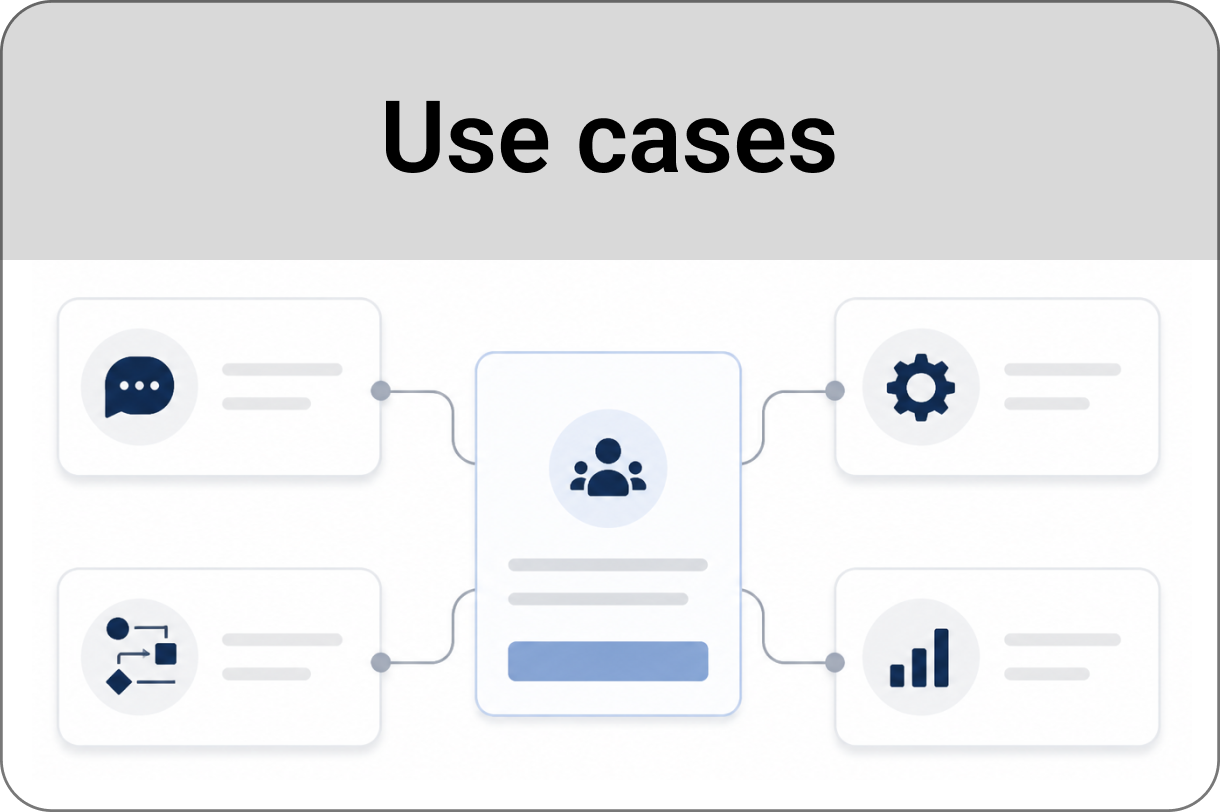
Explore practical examples of how different teams can use SLA Time and Report in Jira workflows.
Review security-related information, app access details, data handling, and compliance resources.