
Now SLA should start once an issue has been created in the selected project.
To get SLA started with this condition, you need to:
-
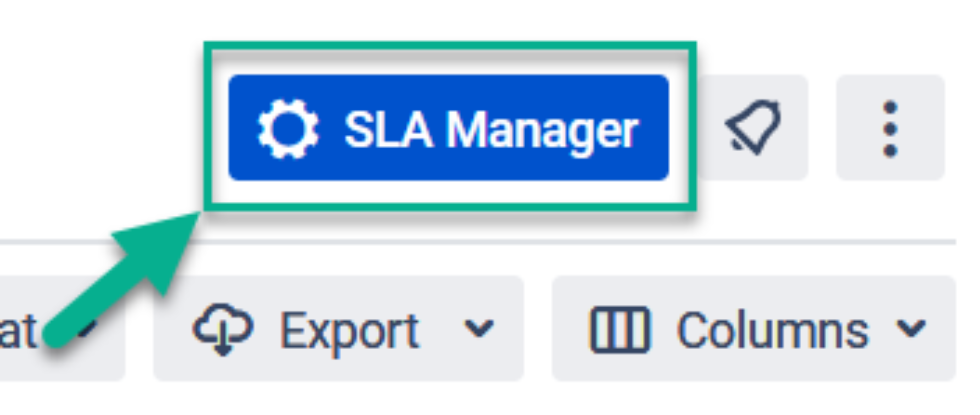
Click the “SLA Manager” button in the top right corner.
2. Create new or edit an existing SLA config.
At the Time measurement condition for start select the Issue Created option.
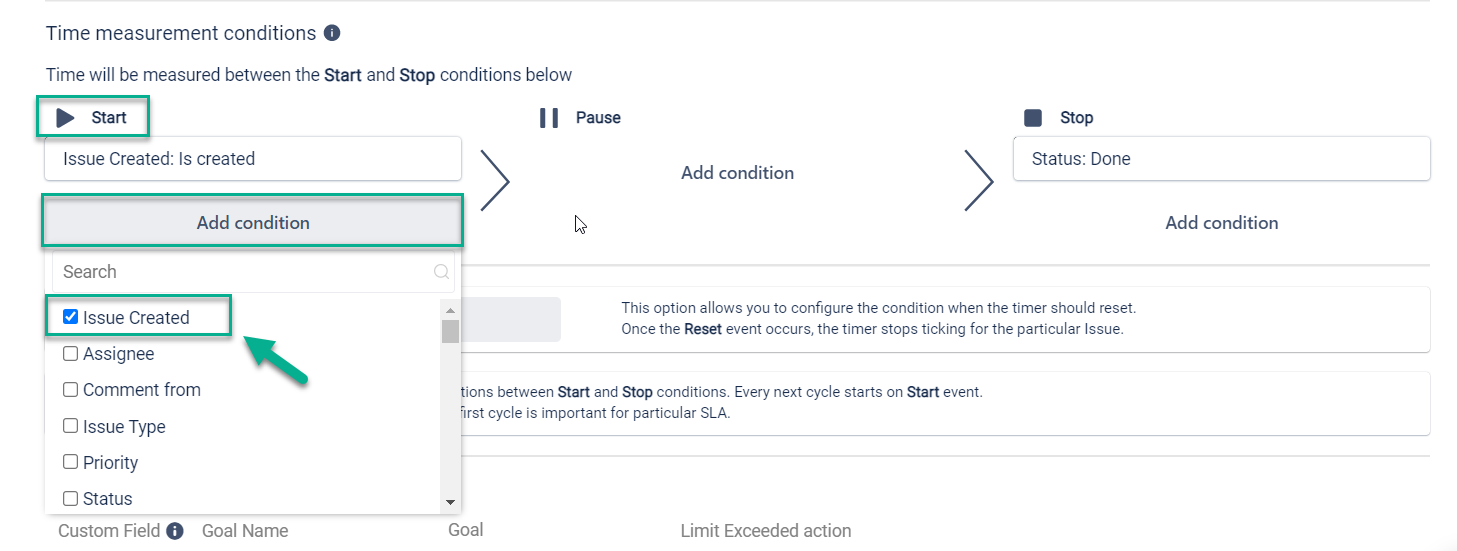
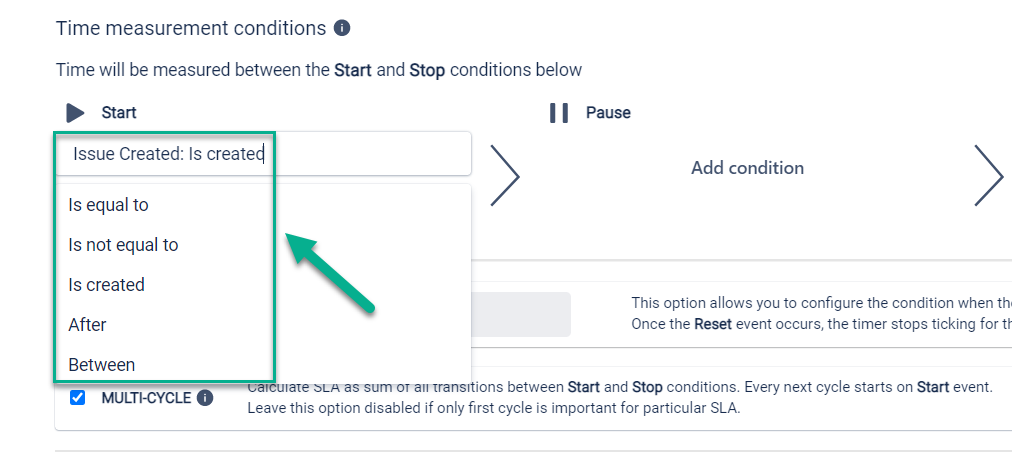
Then you can select one from the list of options:
Is equal to > exact date
Is not equal to > exact date
Is created,
After > the number of days start from Issue Created
Between > exact date period
For pause and stop conditions, you can select other options according to your needs.
Excellent! Now your SLA will start counting from the moment you create a task for the projects you have selected!
If you need help or want to ask questions, please contact us through SaaSJet Support or via email support@saasjet.atlassian.net
Haven't used this add-on yet, then try it now!