
You can edit add-on permissions and give access to update info on the pages with reports, SLA configuration, work schedule and permissions. Permissions can be granted to specific groups.
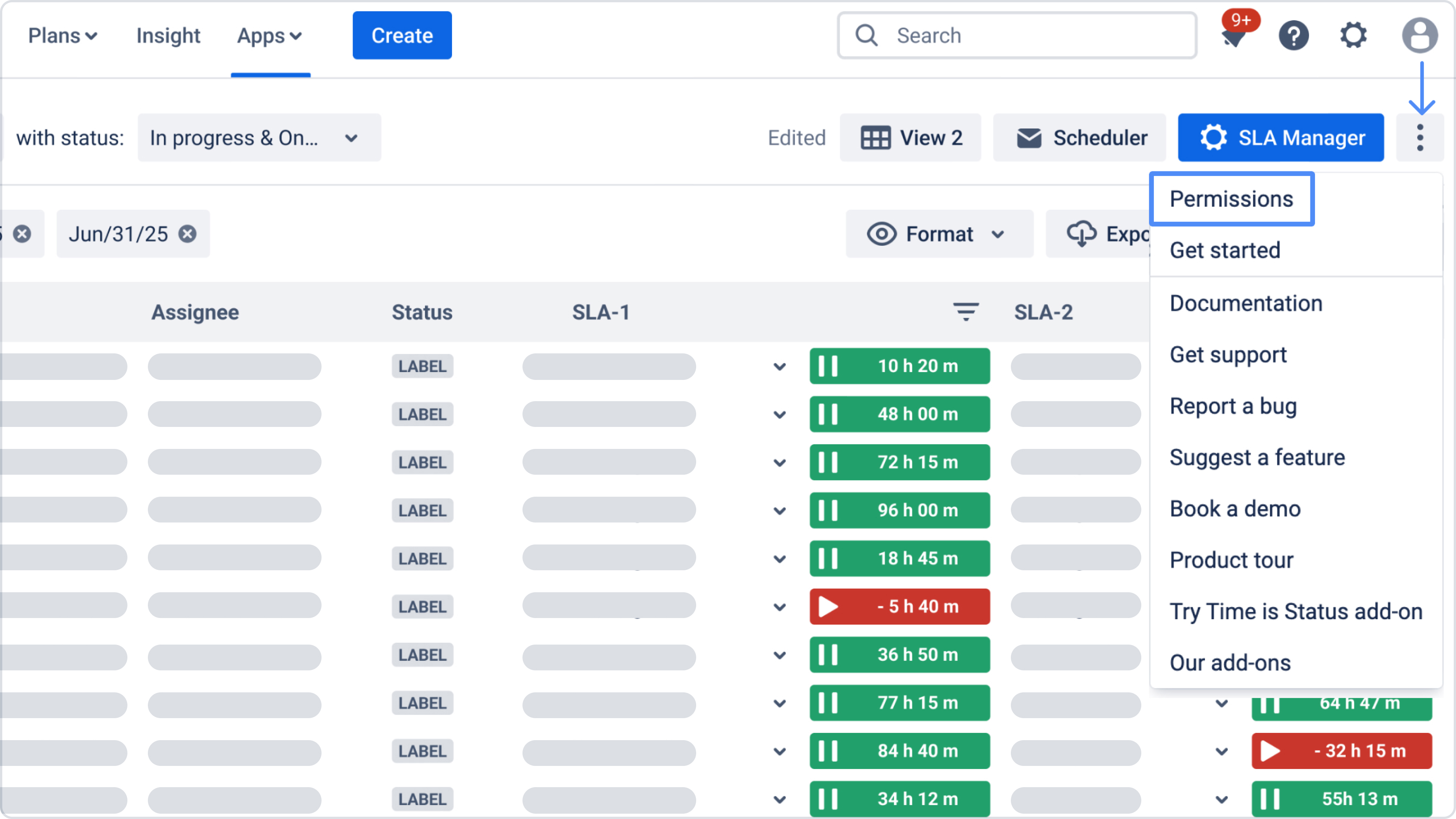
Select "Permissions" in the configuration menu (If you have administrator access) to manage the accesses.
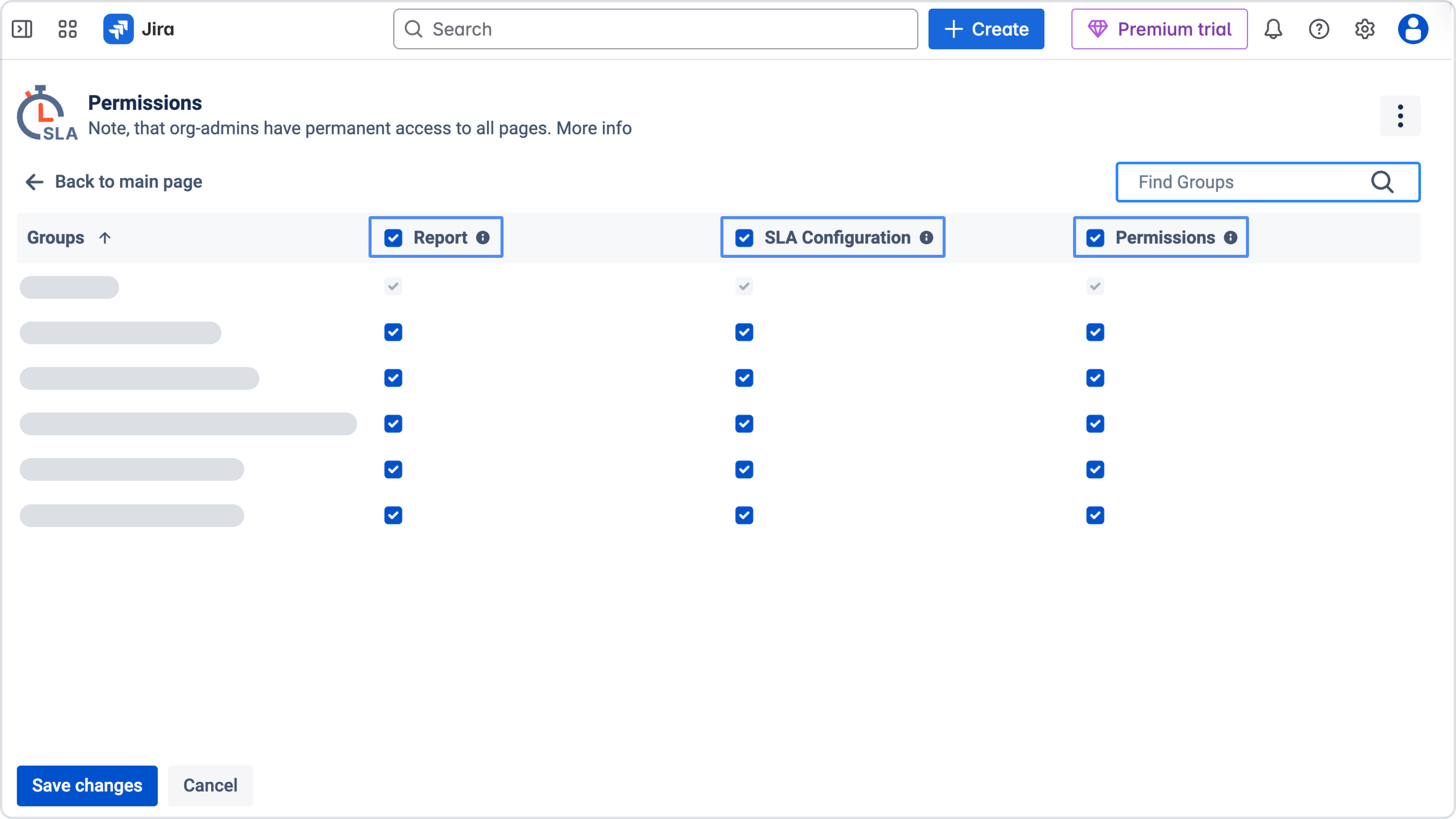
Unfortunately, for some accounts, Jira doesn't give access to user groups. In this case, the only thing that we can do is to provide access to all users in the account.
Need help?
Have questions or need help with SLA Time and Report? Contact our support team.
Want to see SLA Time and Report in action?
Book a demo with our team to explore your use case, or start a free trial to try the app in your Jira environment.