
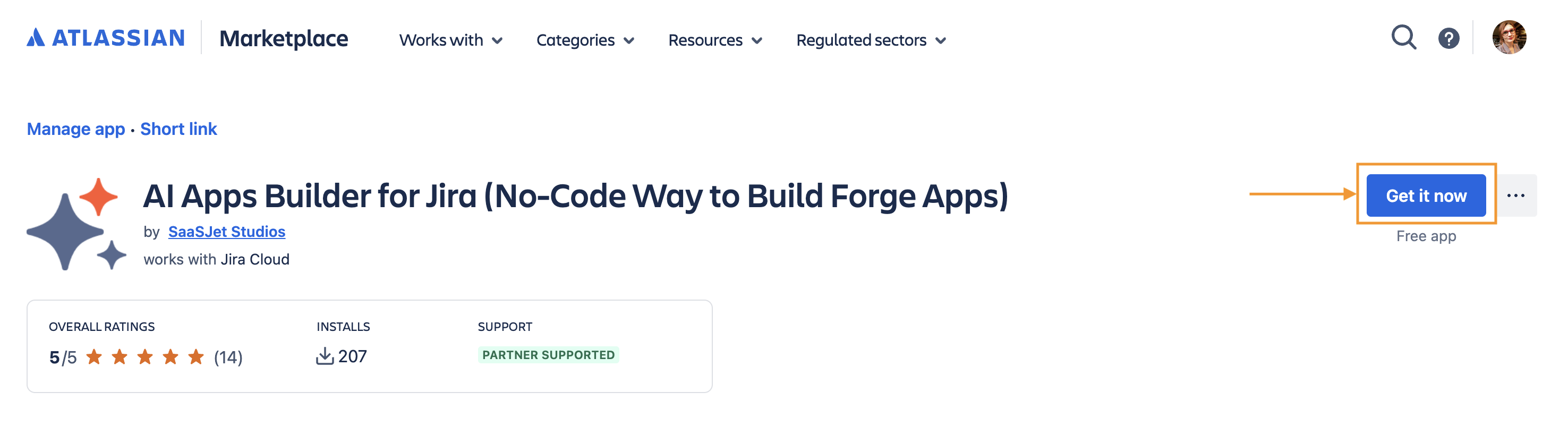
Don't have AI Apps Builder installed yet? Install it from the Atlassian Marketplace to your Jira instance.
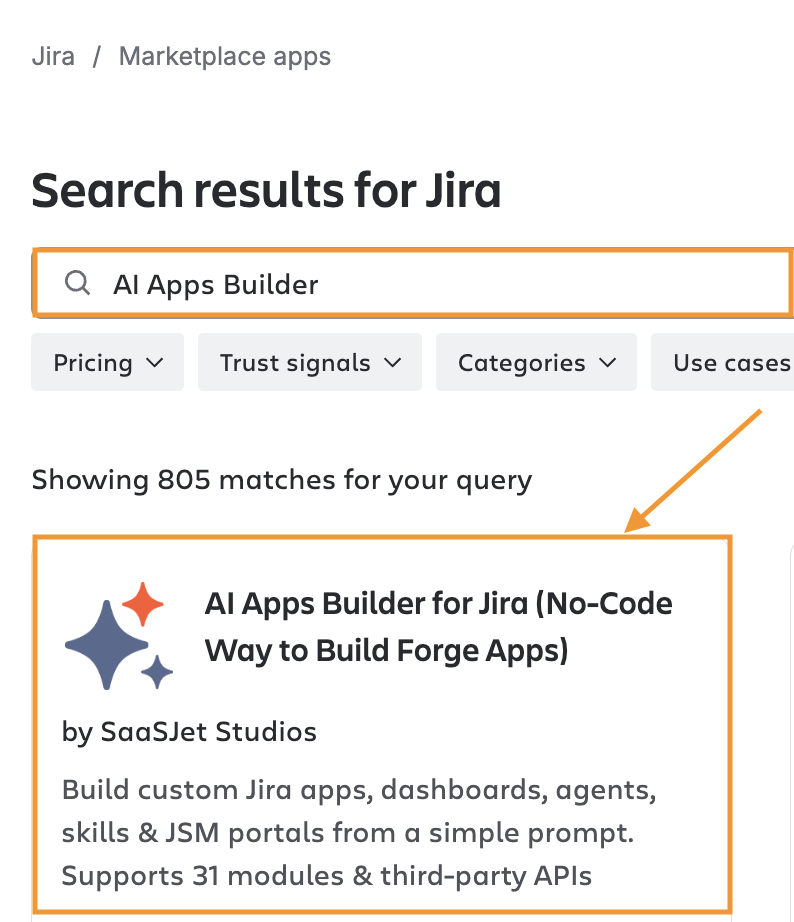
Or click Explore more apps in the Apps menu on your Jira sidebar, then search “AI Apps Builder”.
After installation, you get 50 free credits to try it out. Learn more in Understanding Free Tier Usage Limits.
After installing the app, go to your Jira instance. In the left sidebar, select the Apps menu and click AI Apps Builder to start a new chat with AI. To build your first Jira app or AI agent, follow the step-by-step guide.
If you don’t see the app, contact your Jira admin to verify installation permissions.
Watch the onboarding video to learn how AI Apps Builder works.