
Before starting to build a custom Forge app, AI Apps Builder created a full app specification. It gives a clear, shared description of what the app will do, which data and permissions it will use, and how it will appear and behave in Jira. It also lets users review and adjust the design before the building process starts.
The app specification includes:
-
Summary
A short overview of what the app does and who it is for. -
Modules and Entry Points
A list of Forge modules and where they appear in Jira. -
Core Capabilities and User Flows
A description of the app’s main features and how users will work with them. -
User Interface Behavior and States
An outline of the UI layout and the main UI states (loading, empty, success, error). -
Data and Domain Concepts
Definitions of important terms and concepts used in the app. -
Backend Responsibilities and Business Logic
A description of the backend processing, data fetching, and business rules. -
External Integrations and APIs
The Jira REST API endpoints used by the app. -
Permissions and Scopes
The Jira and Forge scopes required for the app to work. -
Configuration Management
The settings that can be configured and how they are stored. -
Out‑of‑Scope Items and Assumptions
What the app does not cover and key assumptions about the Jira instance.
How to edit the app specification
Users can review and edit the specification before starting to build:
-
Adjust modules and entry points (for example, switch from a global page to an admin page).
-
Change app capabilities and user flows (for example, add or remove an action step).
-
Update permissions and scopes to match security requirements (for example, narrow down Jira scopes).
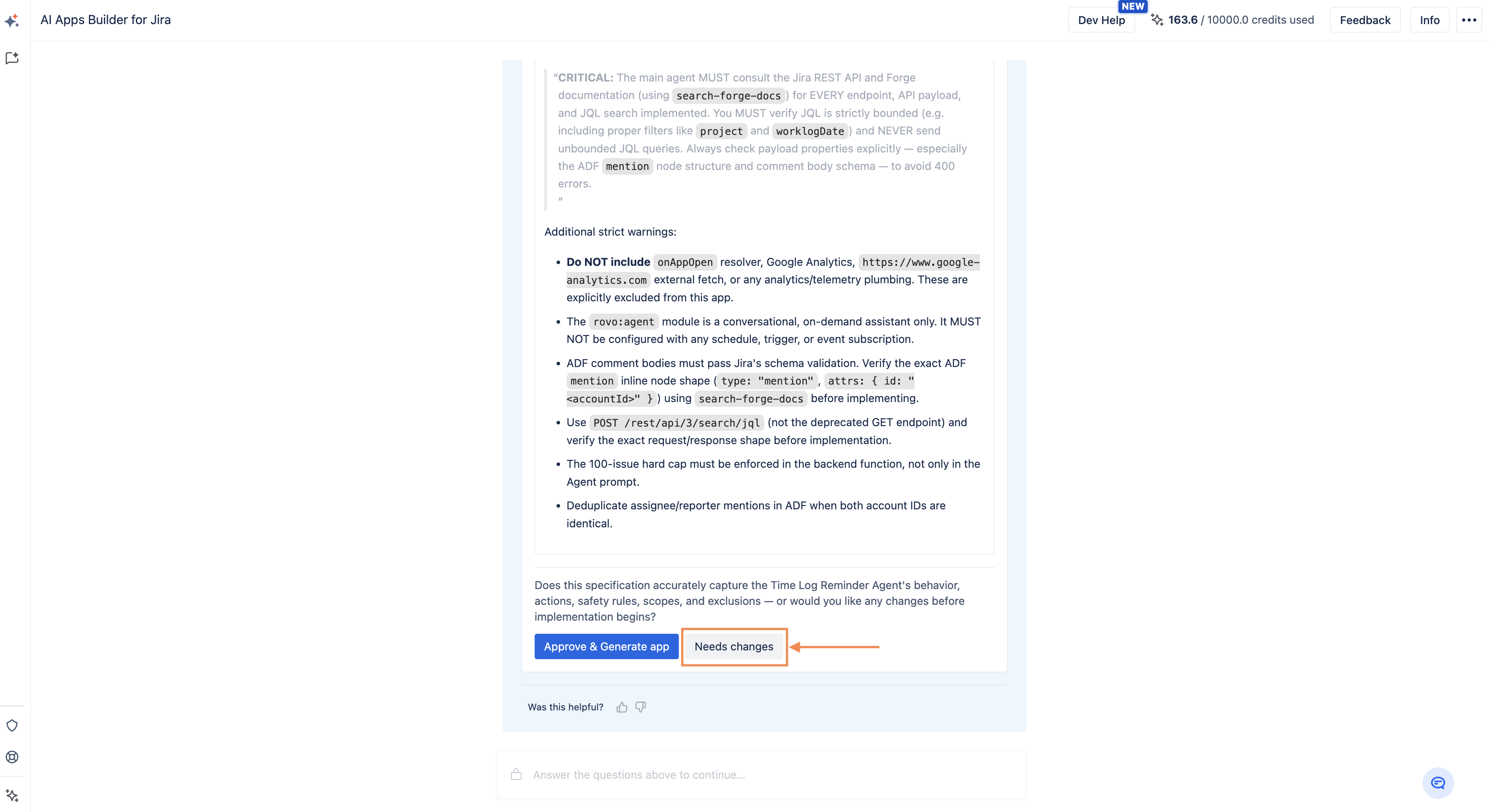
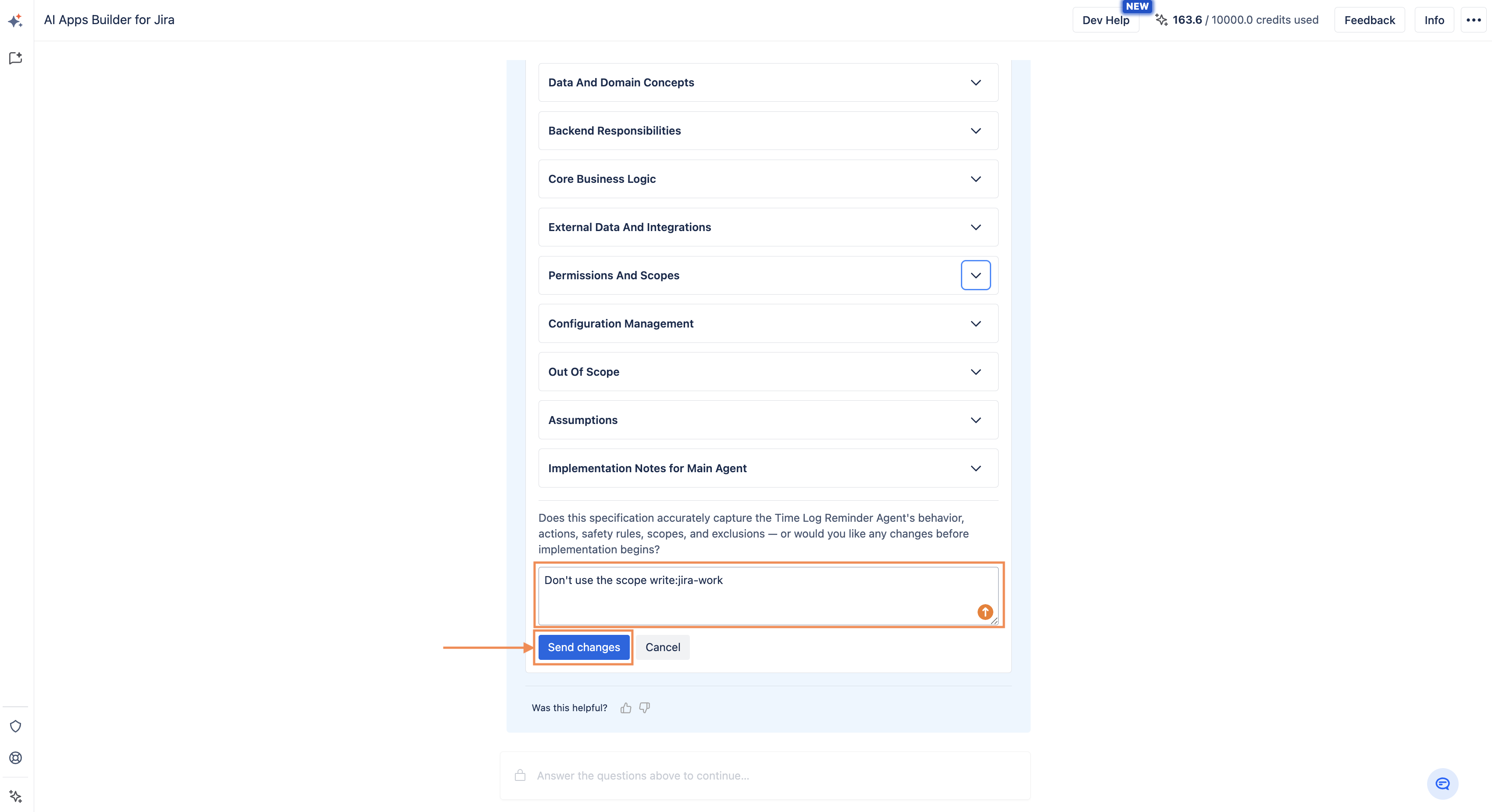
To edit the app specification, click the Needs Changes button, describe your changes, and click Send changes.
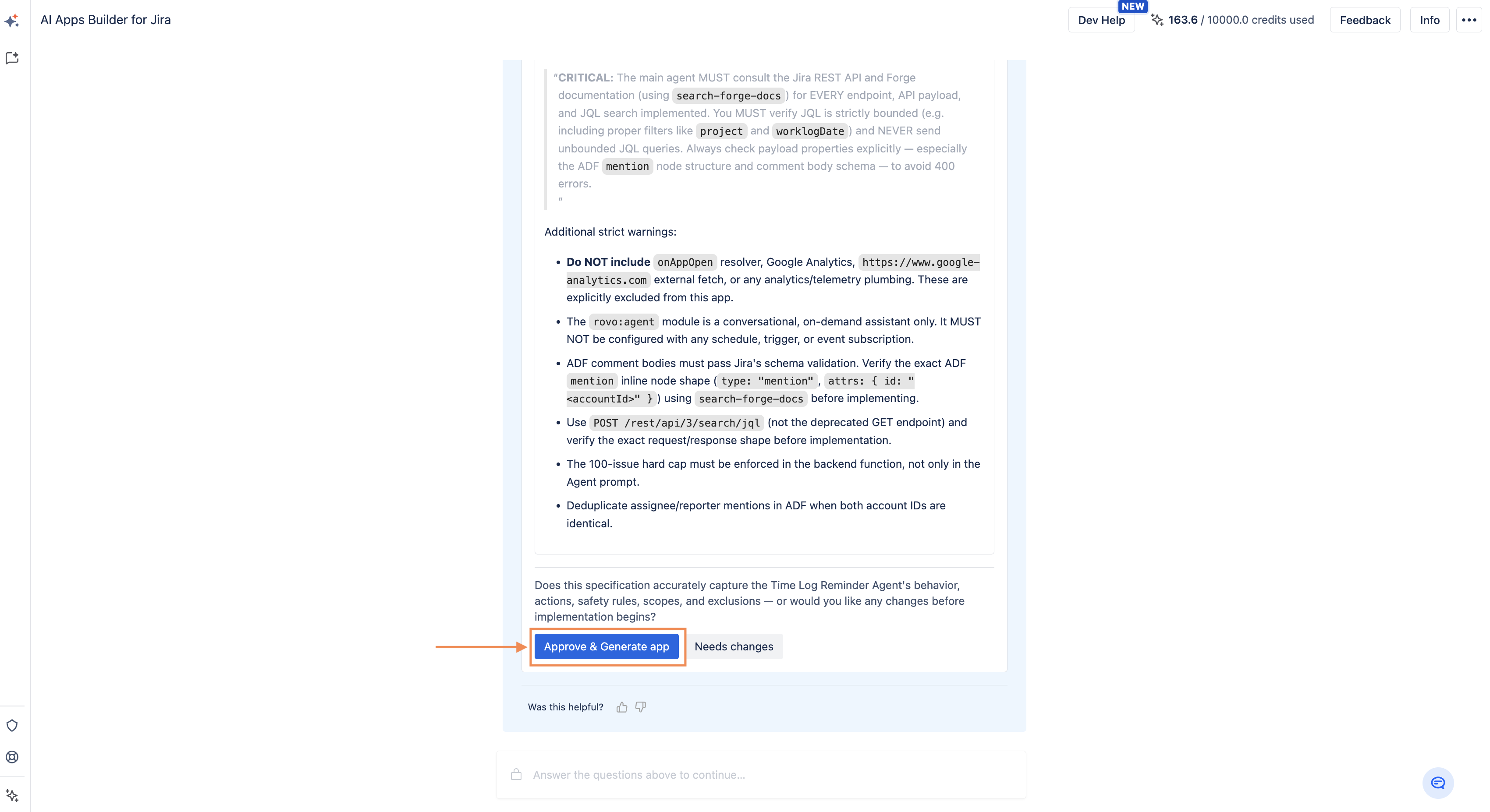
If everything looks correct, click Approve & Generate app to start the building process.
How to download the app specification
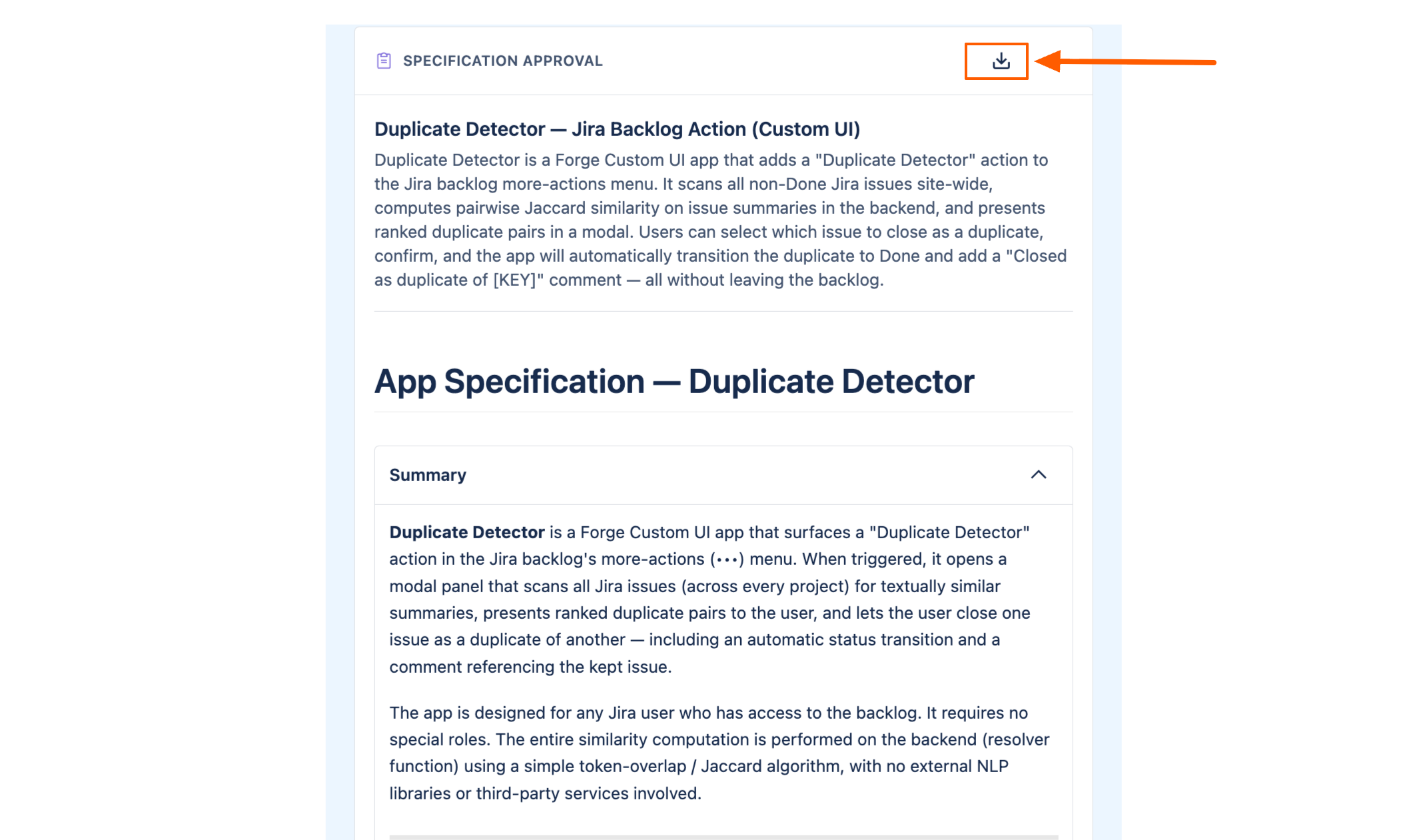
Users can download the app specification as a PDF file for review, sharing, or internal approval.
Haven't used AI Apps Builder yet? You're welcome to try it then!
Have questions or want to see AI Apps Builder in action?
Feel free to meet with us — book a demo today!