
App Preview in AI Apps Builder lets you see how your app will really look and behave in Jira before you deploy it. You can open the preview environment, interact with the live UI, and fix anything that feels wrong with the help of AI.
When the building process is complete, the Preview page opens automatically and displays your app with the actual layout, UI elements, and configured behaviors. This allows you to identify layout issues, missing elements, or confusing flows early, before deployment.
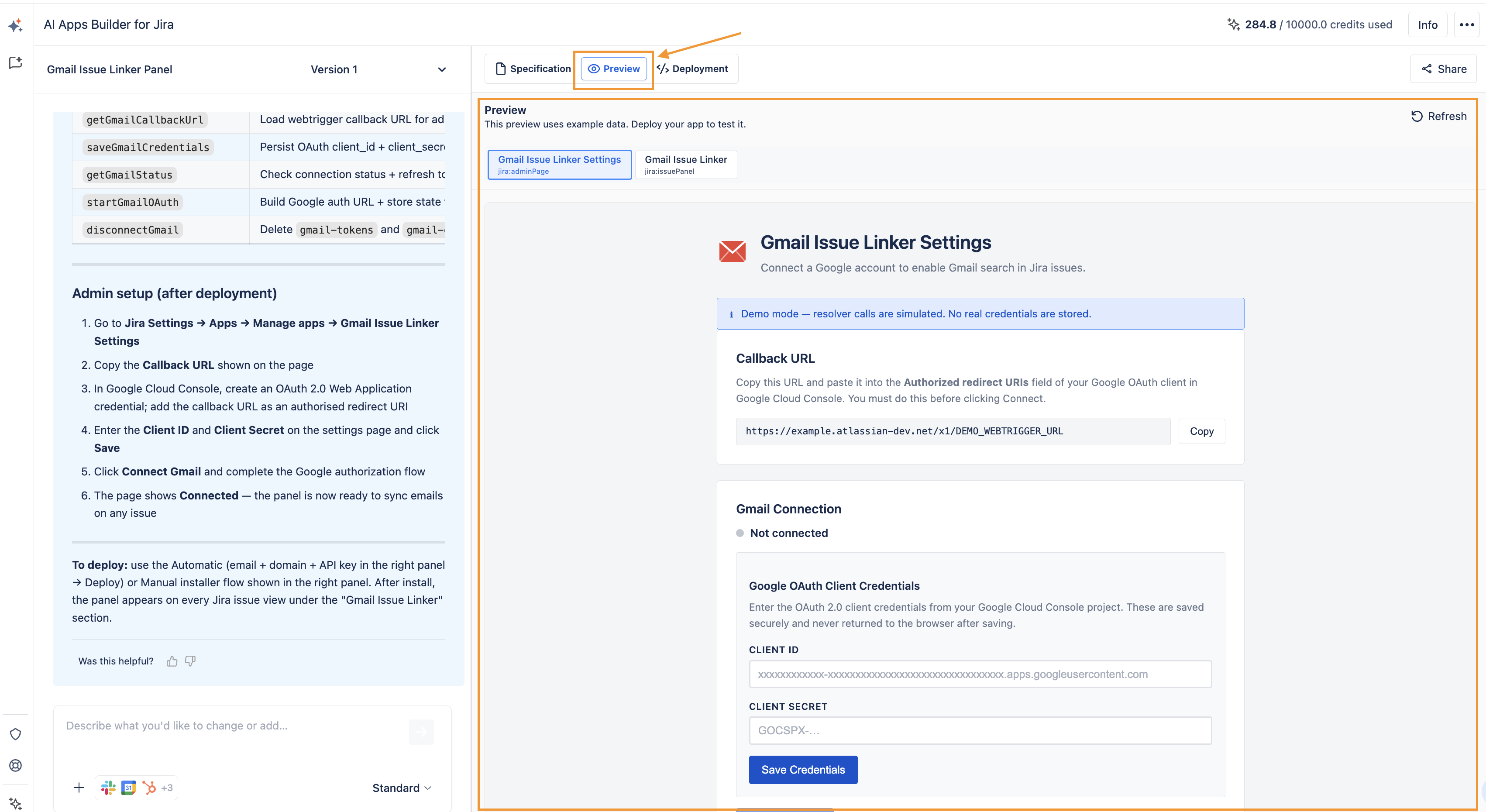
If something looks off, you adjust the app with AI (for example, change text, layout, or logic).
Preview is available only for Forge apps. AI agents and skills lack a visual interface for preview.
Haven't used AI Apps Builder yet? You're welcome to try it then!