
Install app from the Atlassian Marketplace
-
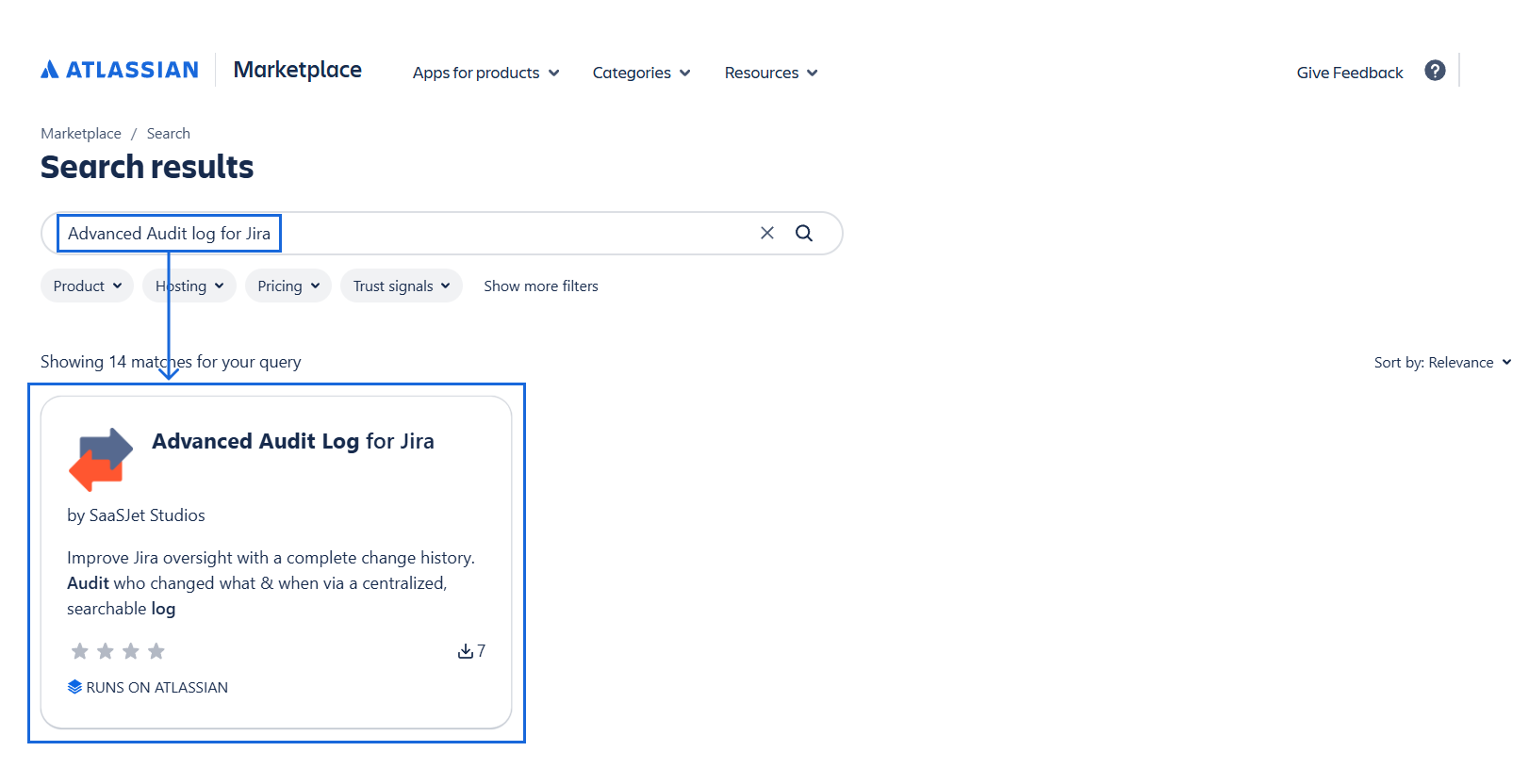
Write Advanced Audit Log for Jira in the search box. Select our Advanced Audit Log for Jira add-on (by SaaSJet Studios) in the search results.
-
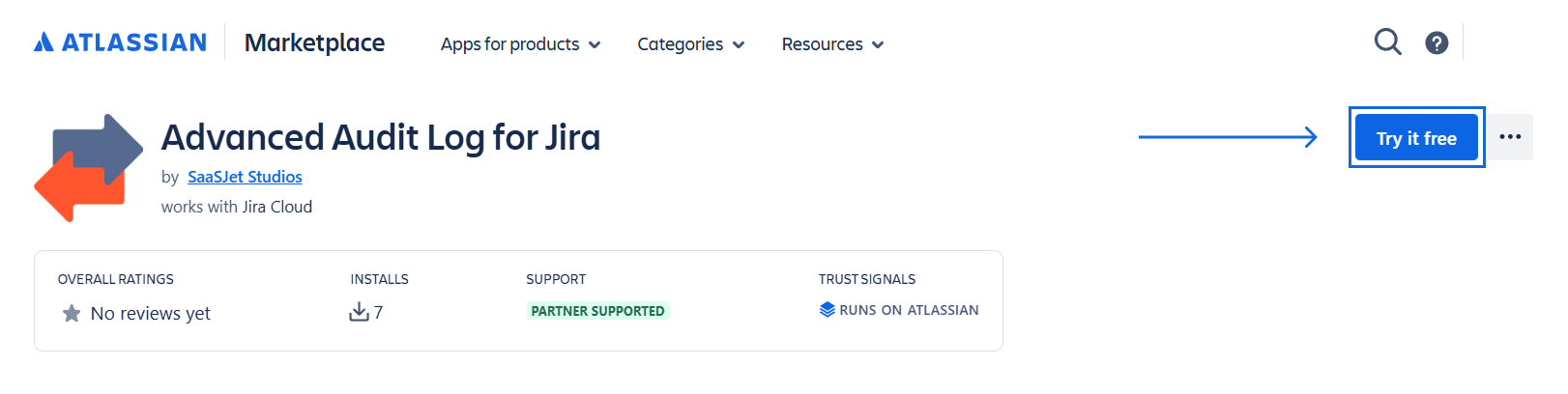
Click Try it free when you open the add-on page at the Atlassian Marketplace.
-
Select your site on atlassian.net to install the add-on, then click Start free trial.
You must be a Jira Administrator to install the app and access its full functionality.
This app is designed for Jira Admins only.
-
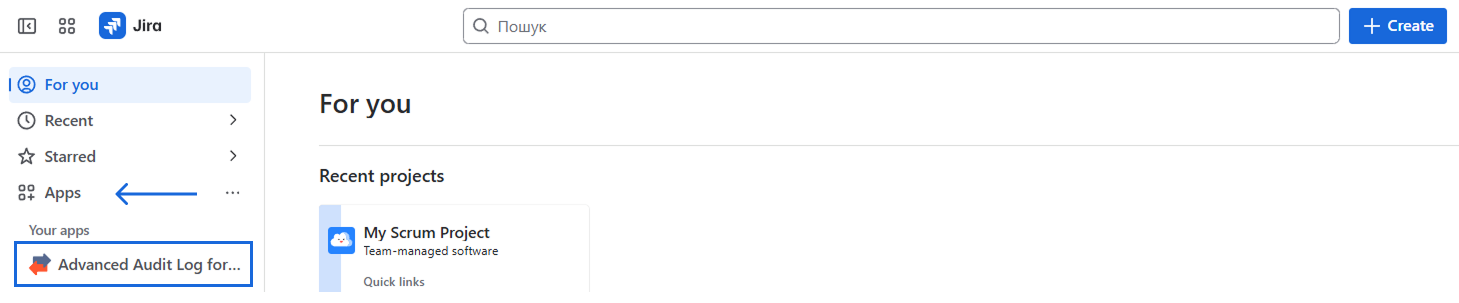
Open your Jira account and choose Advanced Audit Log for Jira from the drop-down list.
You're all set!👍
Install app from the Jira Admin page
-
First, click Apps menu and go to Explore apps page.
-
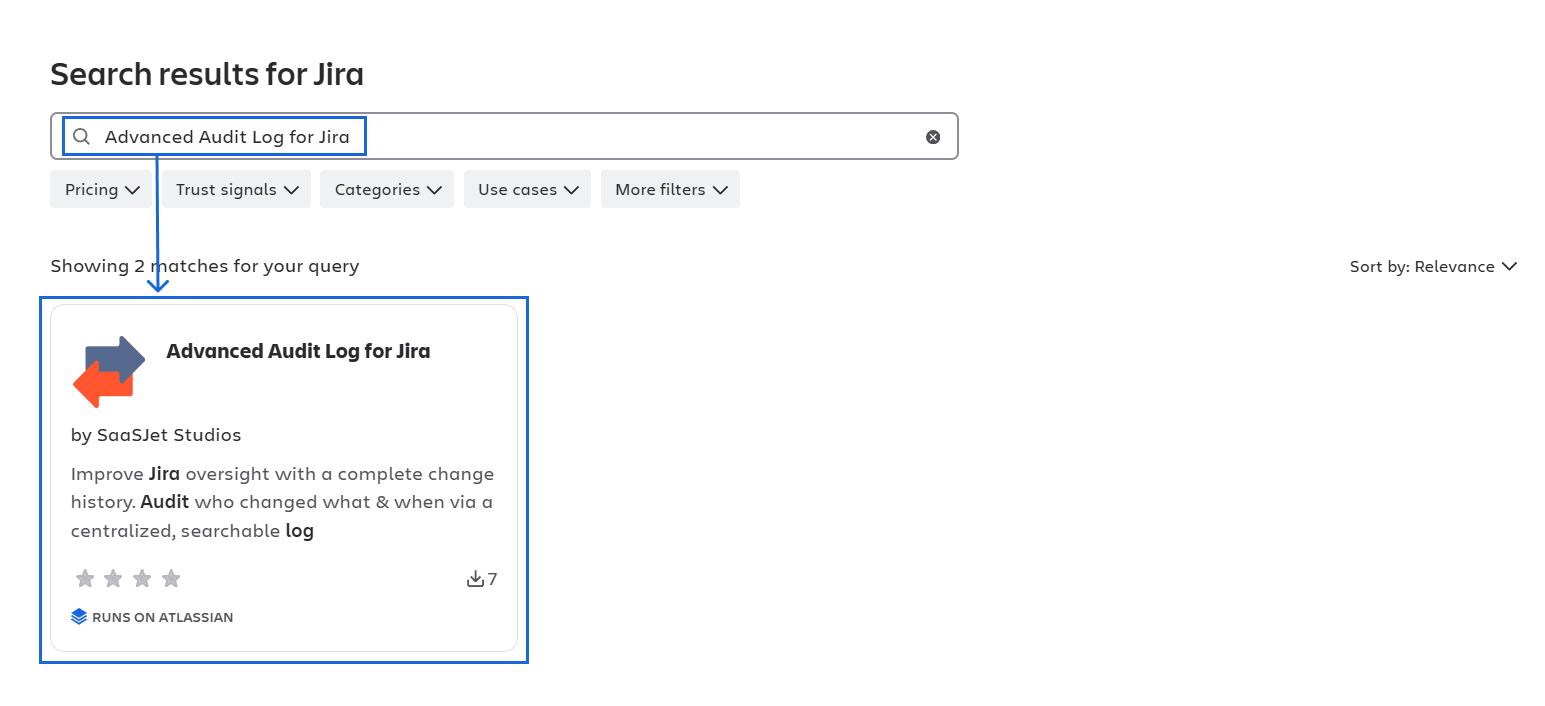
Type "Advanced Audit Log for Jira" in the search box and then click it.
-
Click "Try it free" to download and install the app.
You're all set! 👍
Haven't used this add-on yet? Try it now! >>>
For more details about canceling and uninstalling an app, please visit the App Subscriptions: Cancellation, Uninstalls, Refund & Renewal FAQ page.
If you need any help or have questions, please contact us via SaaSJet Support or email support@saasjet.atlassian.net