
-
Go to App list → select Advanced Audit Log for Jira app.
-
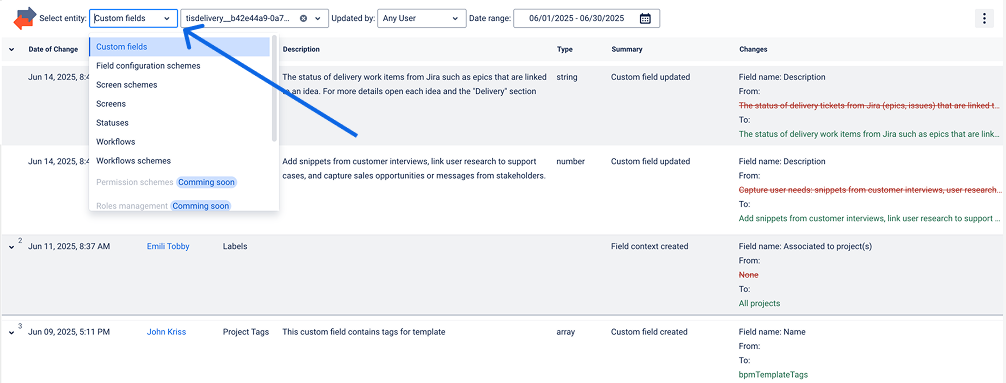
Select entity to display changes.
-
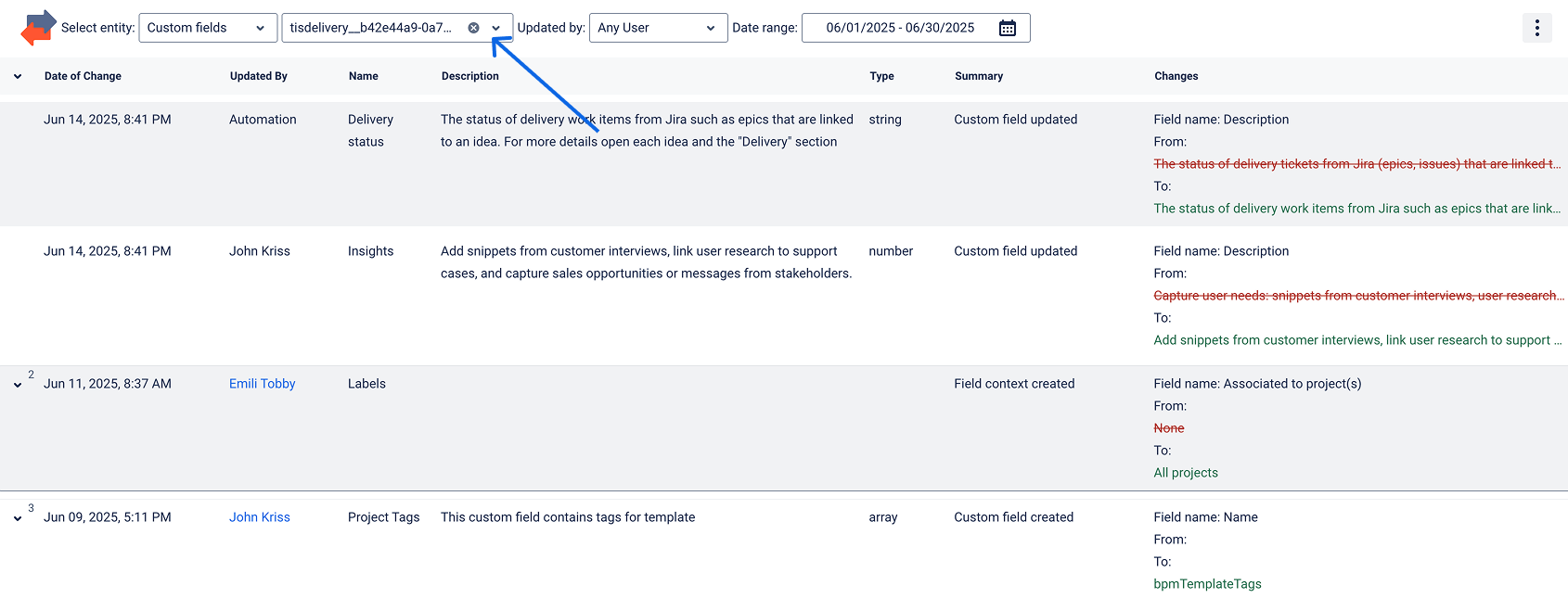
Select entity name to display changes.
-
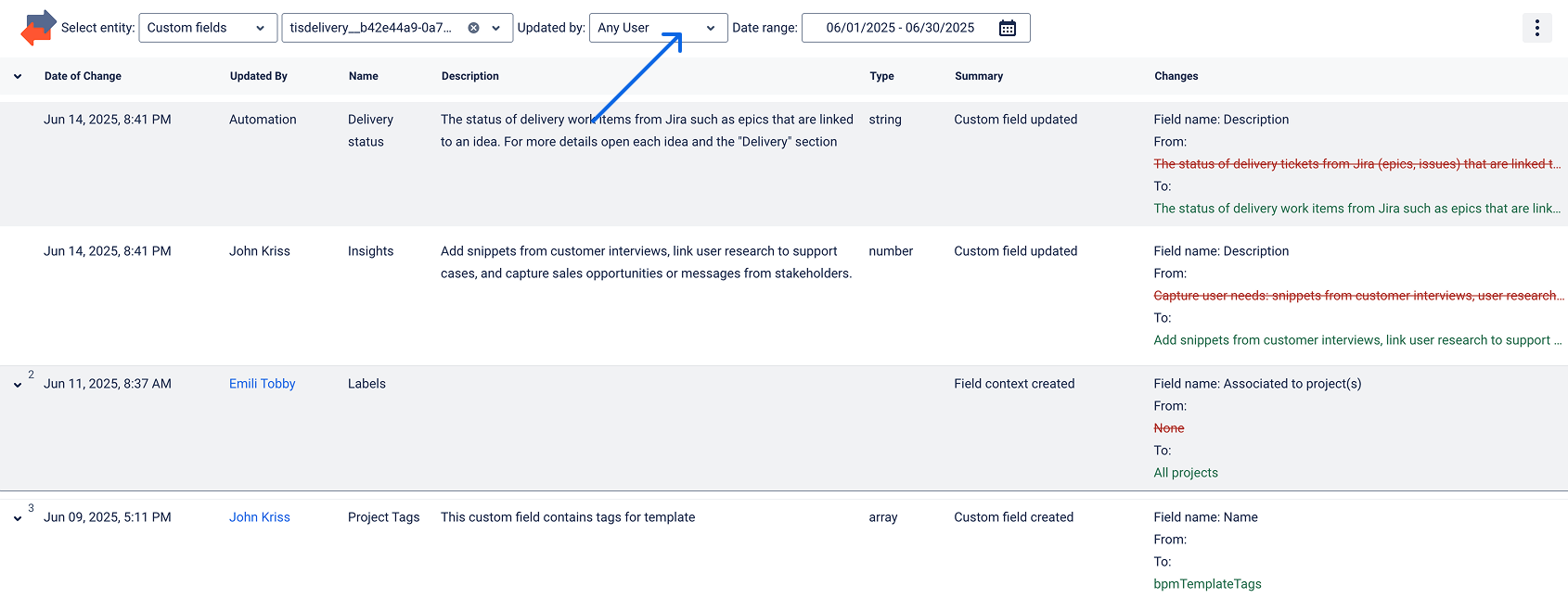
Select a specific user or leave "Any user" selected to display the changes.
-
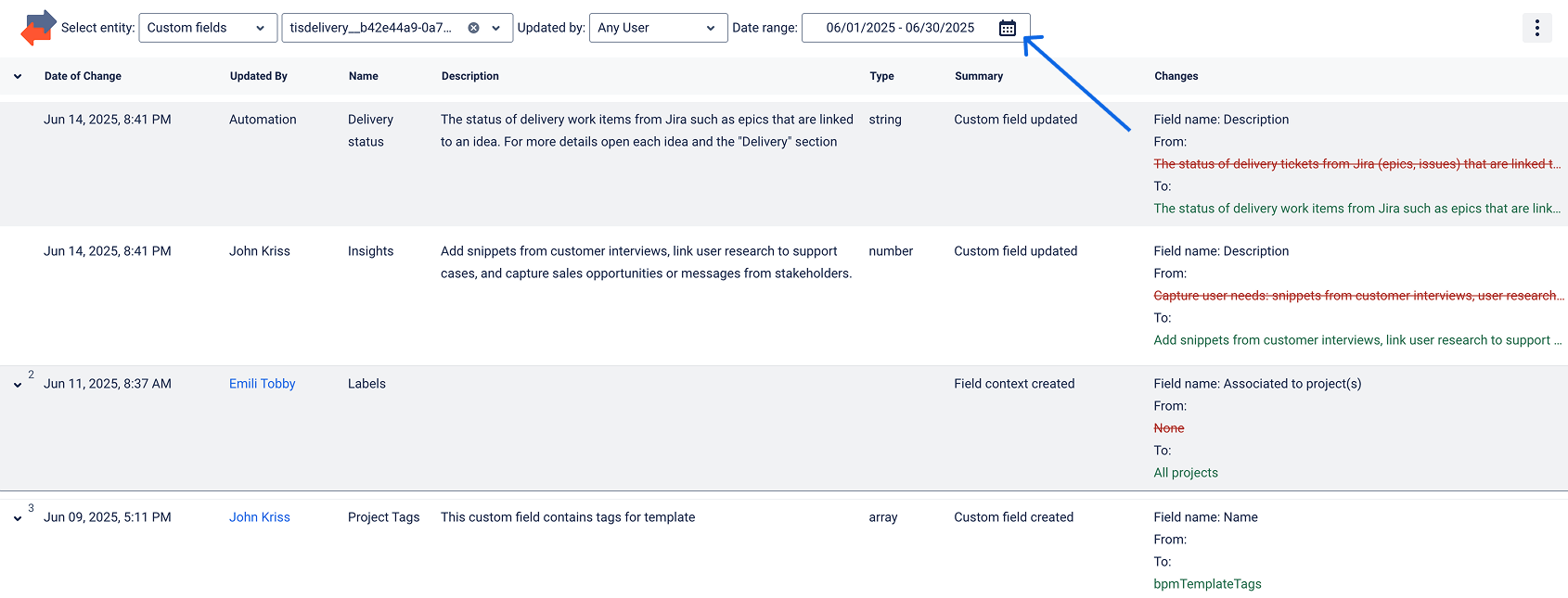
Select Date range to display the changes.
-
That’s it! 🎉
Haven't used this app yet? 👉 Then you’re welcome to try it 🚀
If you need any help or have questions, please contact us via SaaSJet Support or email support@saasjet.atlassian.net