
Start Using Issue History for Jira in Just 5 Minutes

Welcome to Issue History for Jira (Work Item History)! The app provides complete visibility into every change made to work items across all Jira projects, including field updates, status transitions, comments, and even deleted work items.
You can see WHO made the change, WHEN it happened, and WHAT was changed. This is useful when somebody needs to prepare some reports or to understand how the team works.
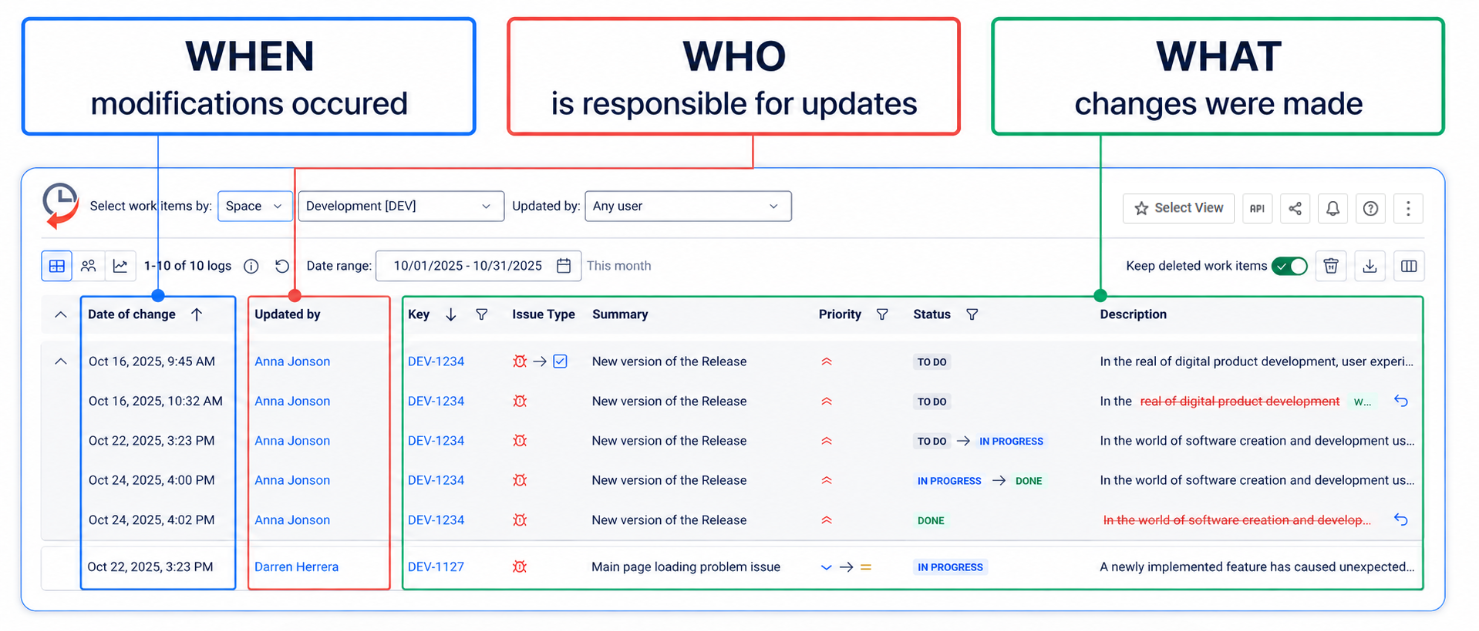
Once you install this app, you’ll get a detailed view of how work items are transformed:
-
Get all the changelog ordered by the period you need.
-
Filter work items by project, filter, report, label, sprint, and assignee, etc.
-
Monitor updates made by each user.
-
Set columns to show different fields on the grid.
-
Extract the report as XLSX or CSV files and use external tools such as Microsoft Excel or Google Spreadsheet to process the exported data.
App works for Jira Software, Jira Core, Jira Service Management, and Jira Work Management. Also, you can use it for Classic and Next-gen Projects.
Visual Aid to Walk You Through Our App
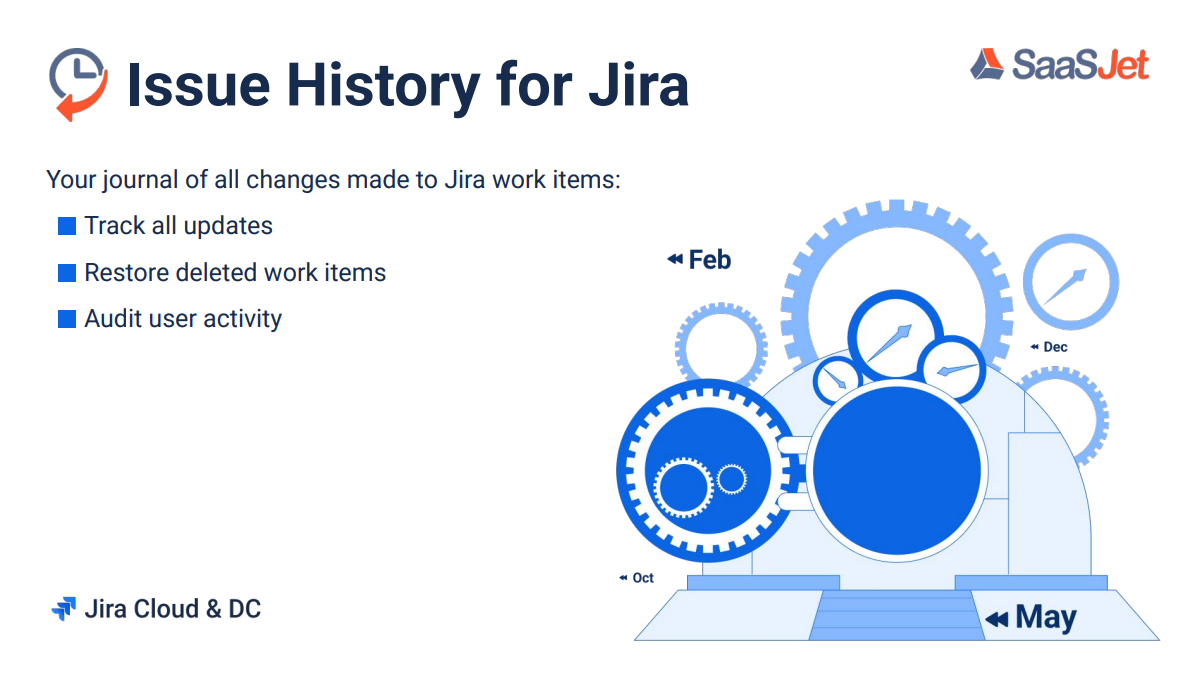
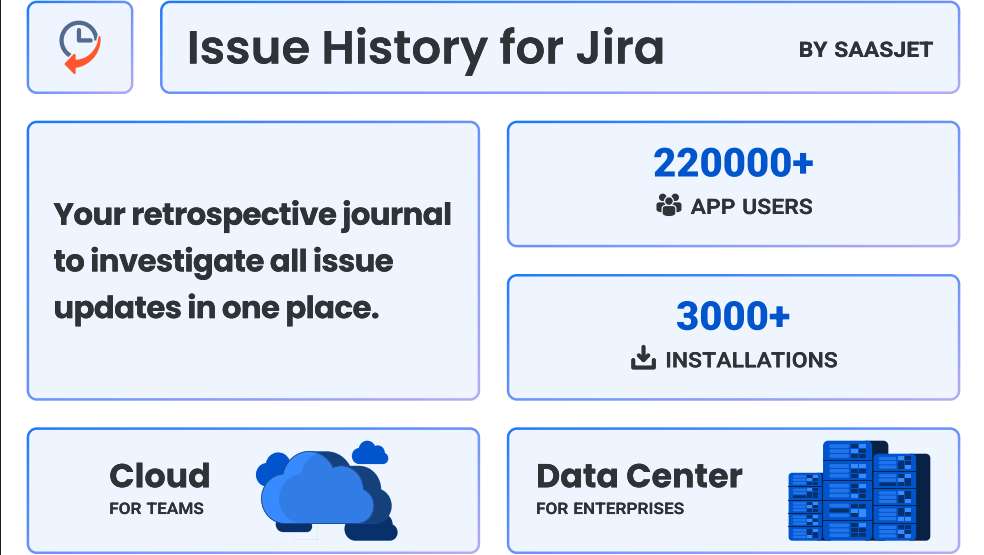
Jira records changes, but its native history is hard to analyze and incomplete — it can’t show deleted work items or filtered timelines.
Issue History for Jira fills that gap with a full, audit-ready view of every change: who made it, when, and how it affected your project.
By using Issue History for Jira, you get a clear, trustworthy history of every Jira work item. No more manual digging, missing data, or unverified edits. Issue History for Jira turns every change into a transparent, audit-ready story your whole team can rely on.
Haven't used this app yet? 👉 Then try it now 🚀