
While it is convenient to view the change history for the list of issues, Issue History for Jira also offers a well-structured and customizable report for a single issue. All changes will be presented one by one in vertical order.
Compared to the built-in Jira history, you will get the following:
-
Relevant changelog filtering
-
Flexible field selection
-
Eye-catching highlighting for updates
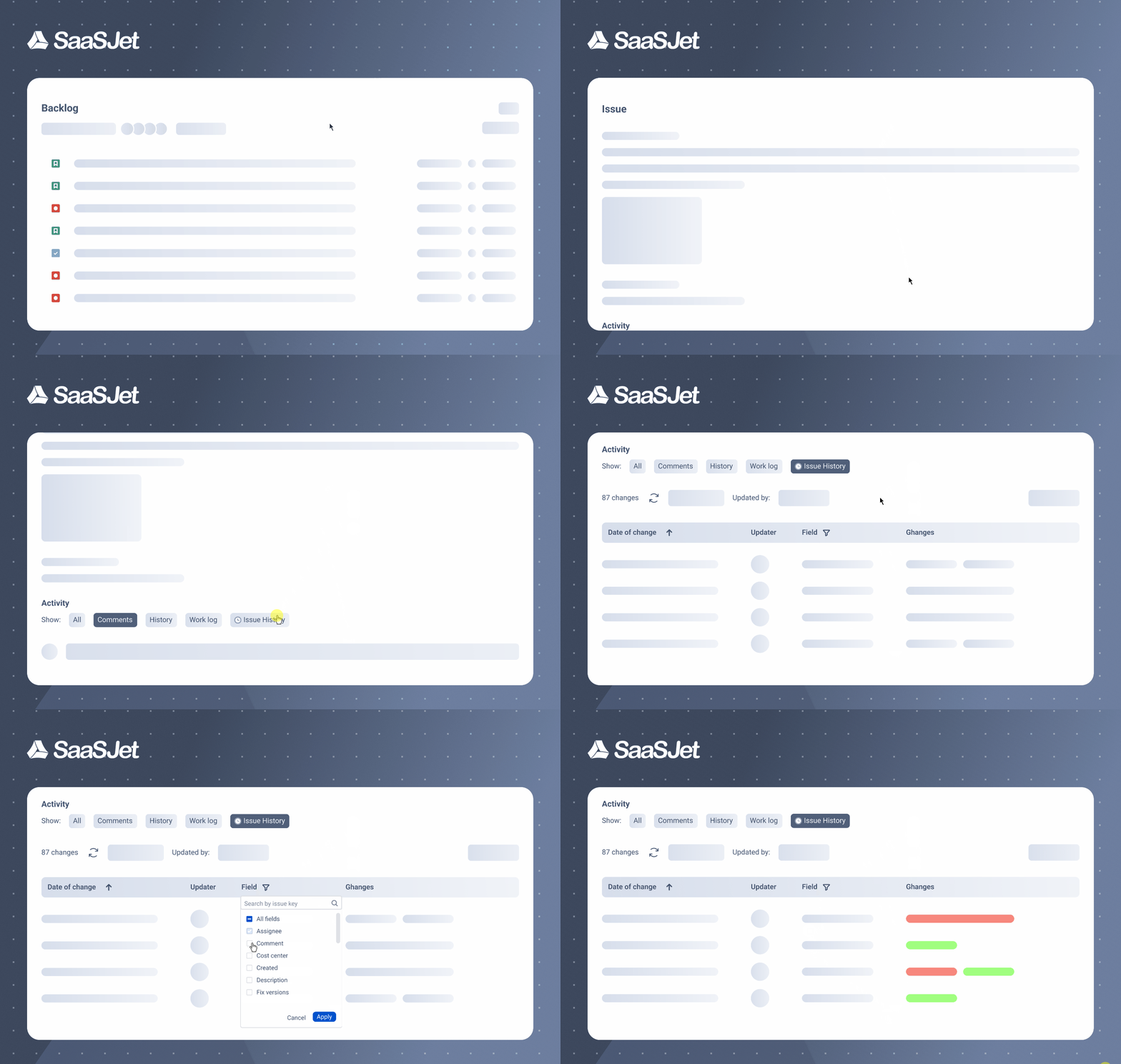
Configuration
-
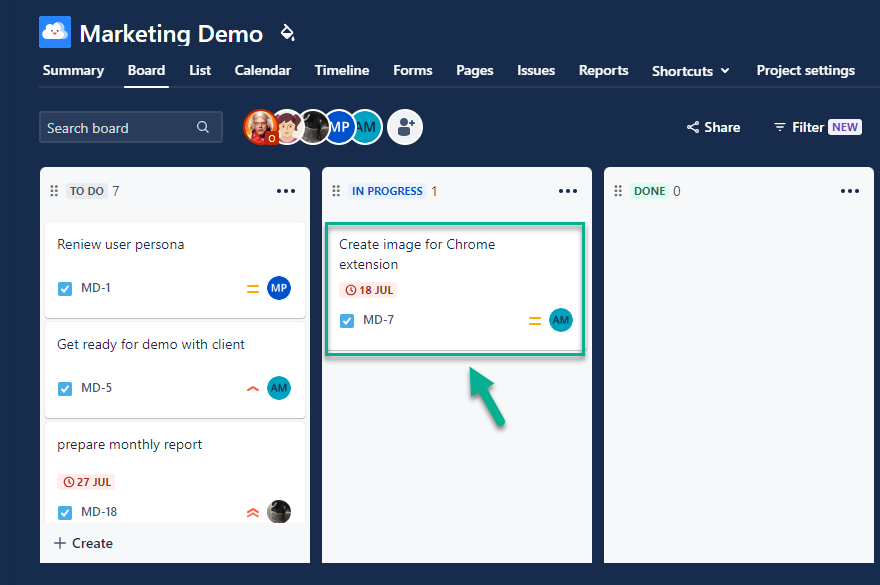
Click to open the required issue.
-
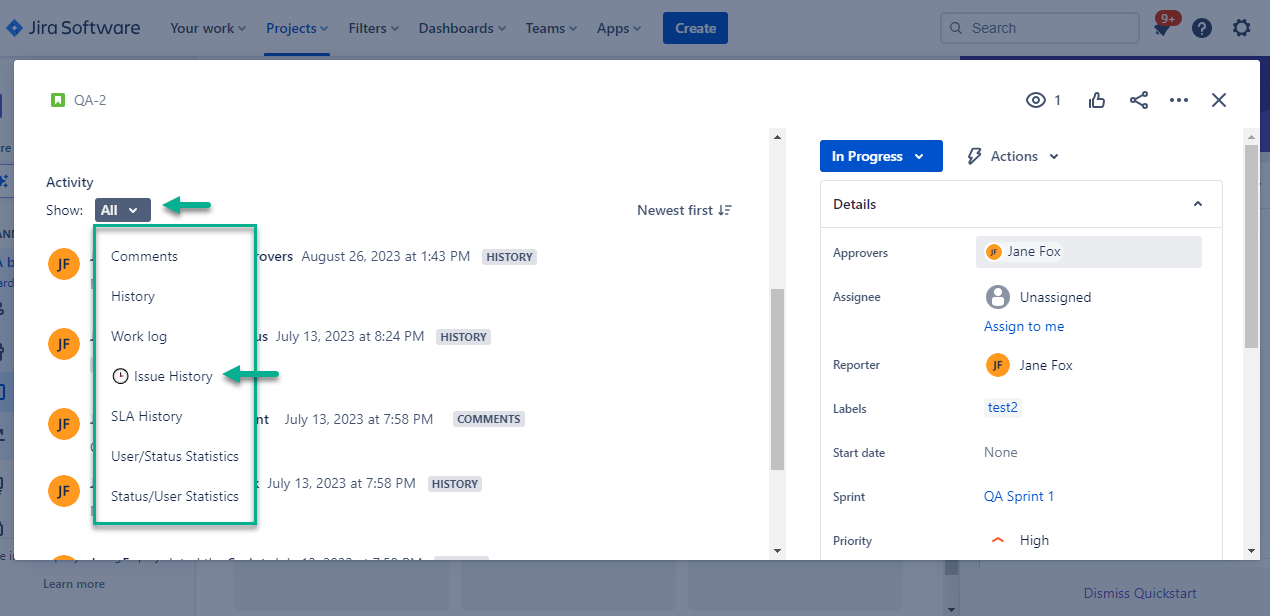
Scroll down to the Activity section and select Issue History.
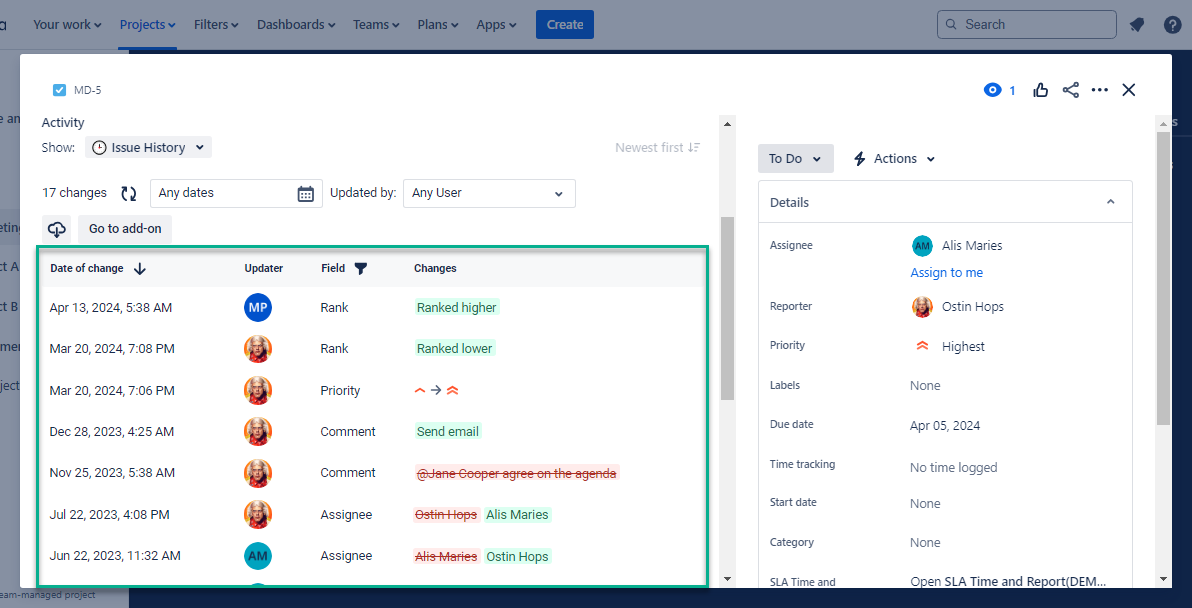
You will get a well-organized report for issue updates:
-
You can apply different types of filtering to see the specific list of changes: Date range, Updated by, or Field filter.
-
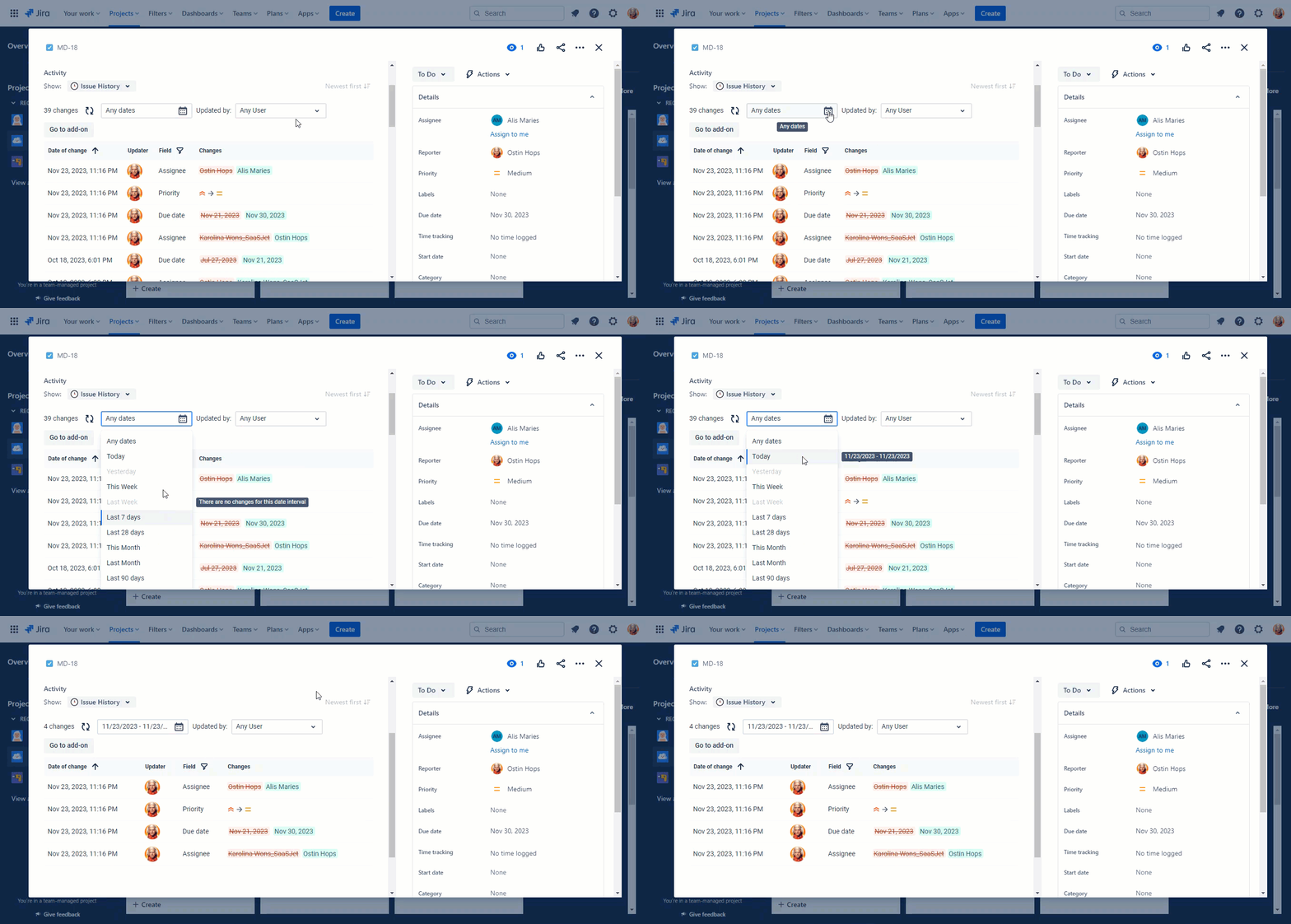
Select the desired date preset (today, last week, last month, etc.) to narrow down the issue changelog.
-
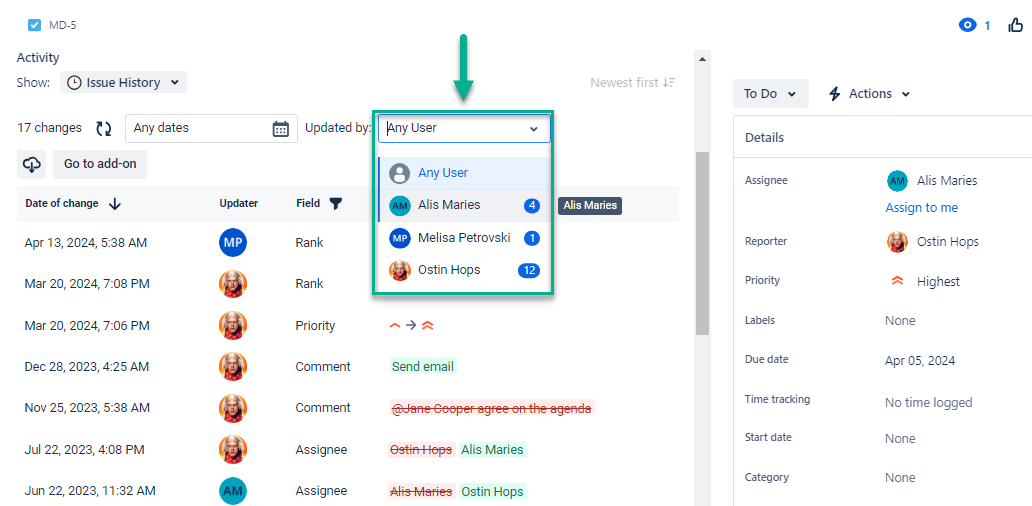
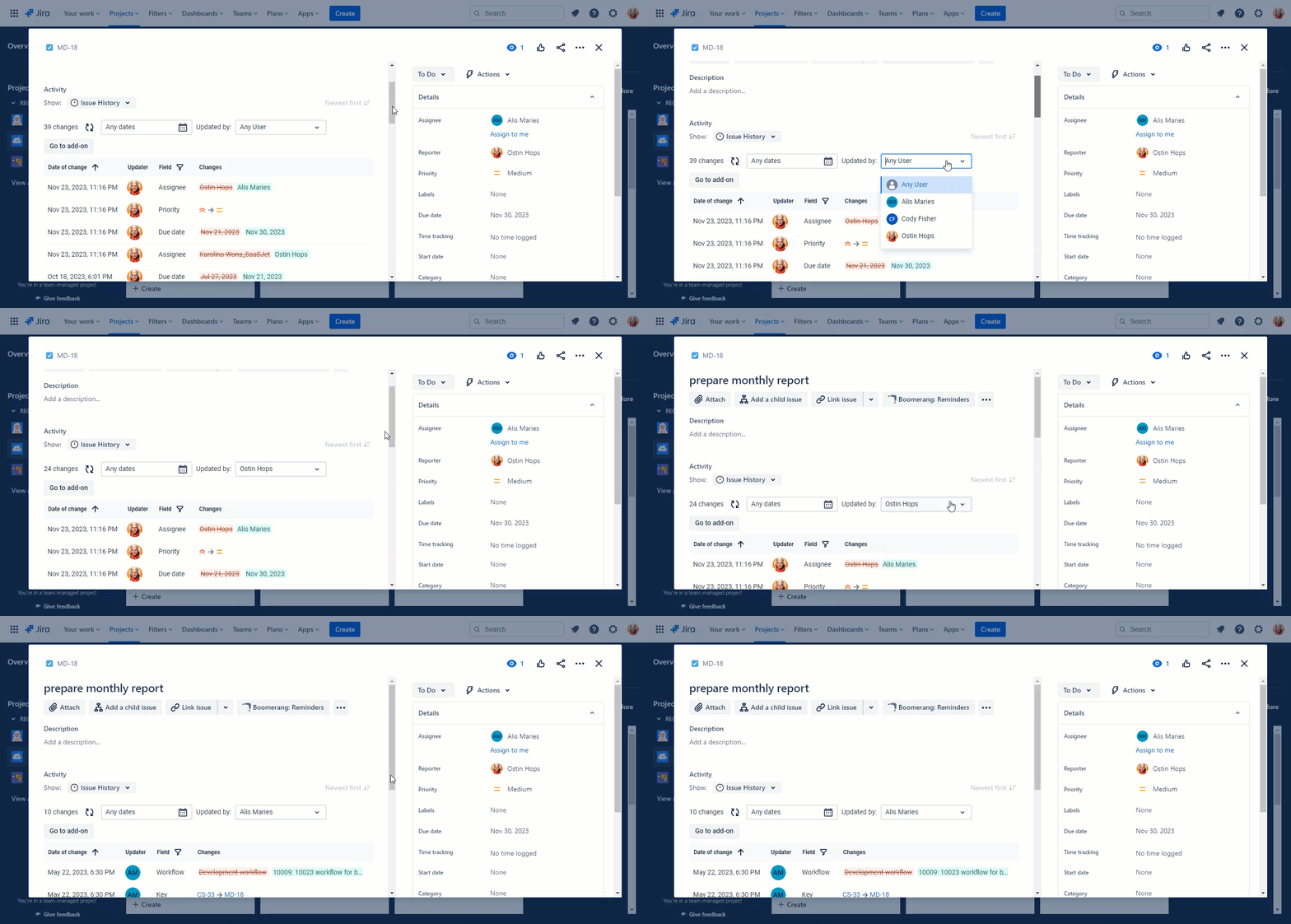
Use the Updated by menu, type in the name, or select the person you need from the drop-down list.
How does it work:
-
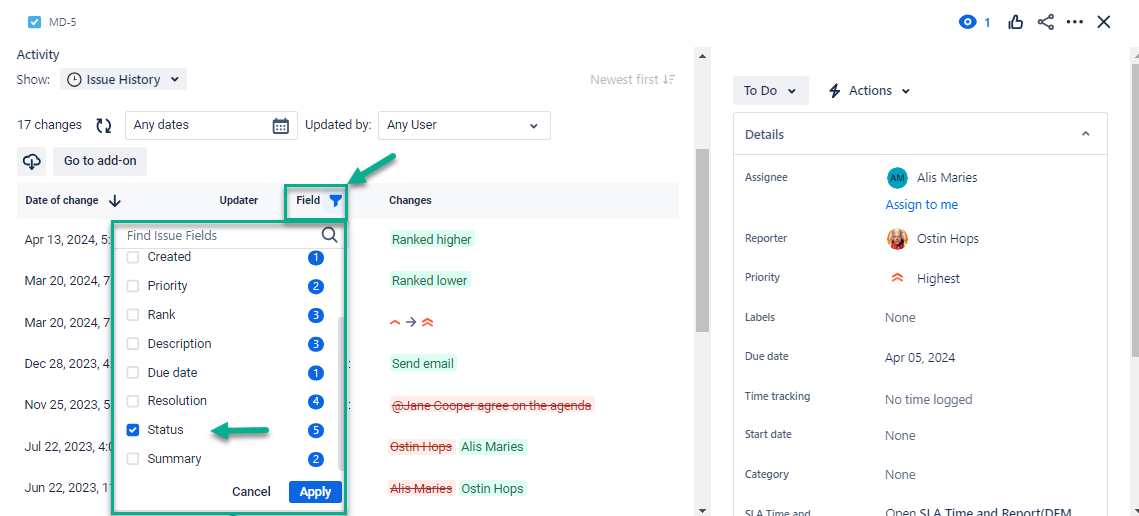
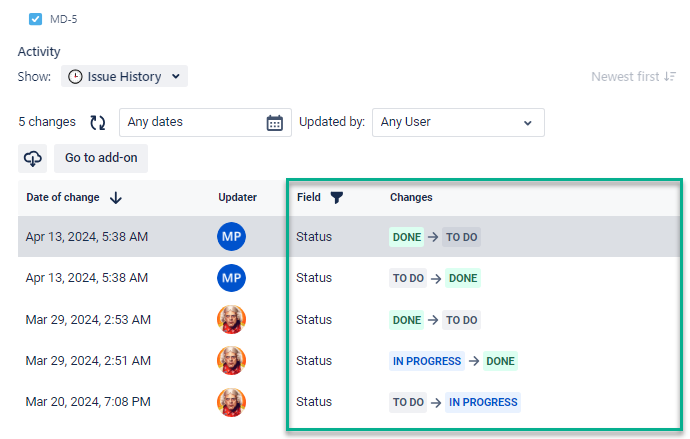
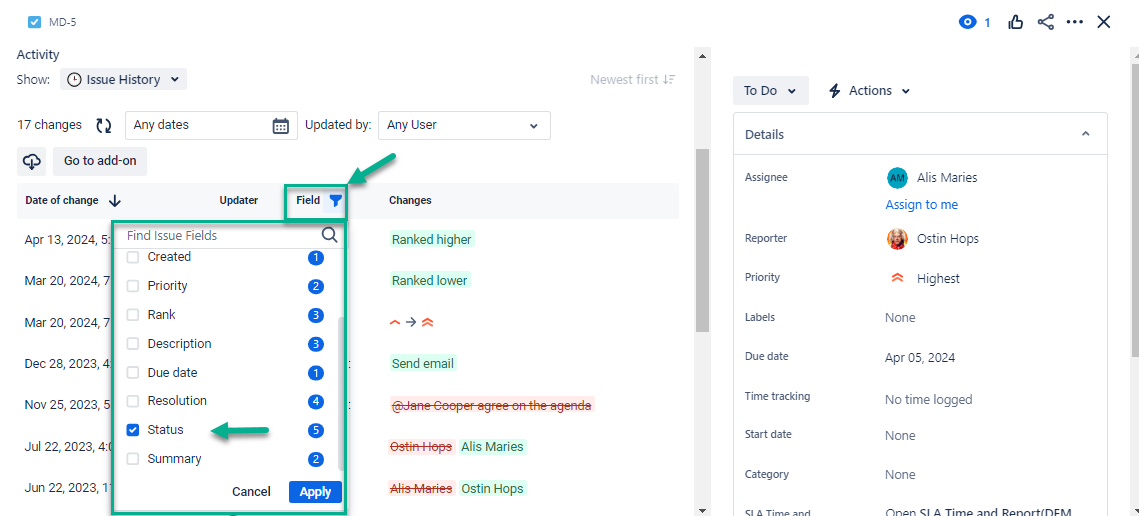
Use the Field filter to select any fields (standard or custom) where you want to see changes. For instance, you can review changes only for Status.
Result:
-
Sort by date in ascending/descending order by clicking the Arrow.
-
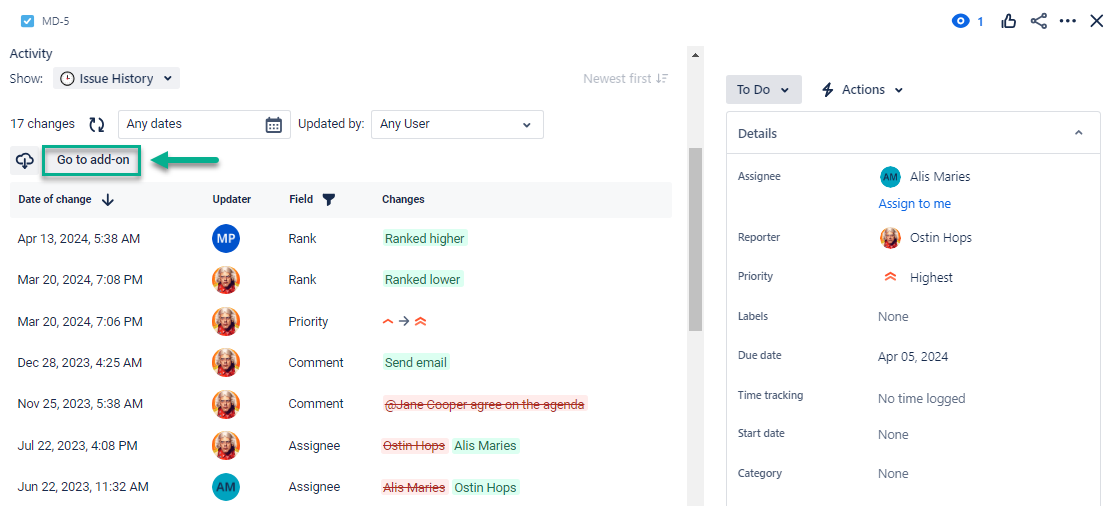
Click “Go to add-on” to go to the main add-on report with all available options for the list of issues.
-
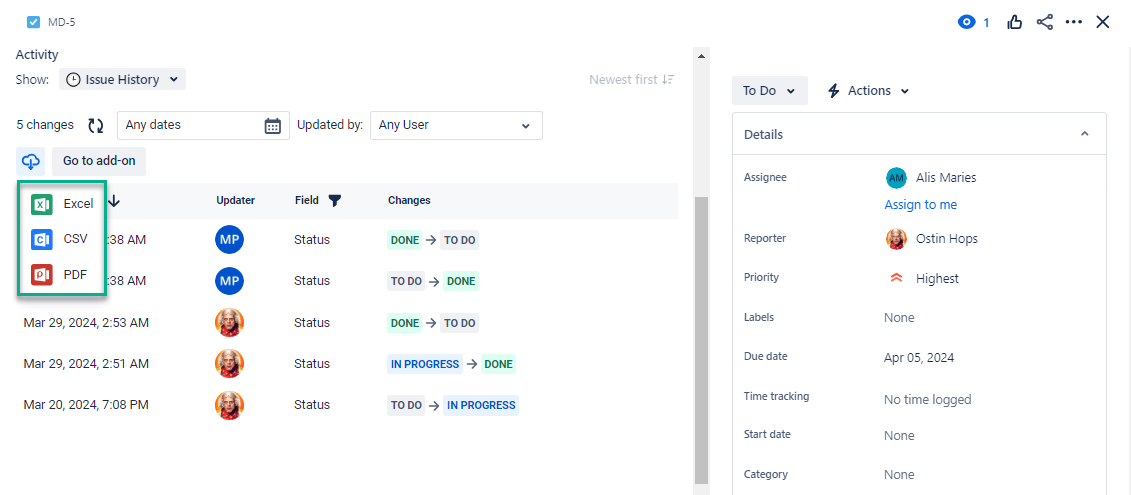
Export to Excel, CSV, and PDF is available only in the paid version.
Haven’t worked with the add-on yet? Give it a try ⬇
https://marketplace.atlassian.com/apps/1220385/issue-history?hosting=datacenter&tab=overview&utm_source=Confluence&utm_medium=referral&utm_campaign=Documentation_Issue-History-Panel-View-Data-Center